About Shader Lab
A free, browser-based editor for stacking and animating shader effects — by basement.studio.
What it is
Shader Lab is a free browser-based editor by basement.studio for creating, stacking, and animating shader effects on images, video, text, and 3D models. It runs on WebGPU, supports custom TSL shaders compiled in the browser, exports video, and has a community gallery where every published scene can be opened and remixed. Scenes can also be embedded in any React site with the open-source runtime, and AI agents can drive the editor through an MCP server.
Shader Lab is built and operated by basement.studio, the design and engineering studio behind the Geist typeface and websites for companies like Vercel and ElevenLabs.
How it works
A scene is a stack of layers. Source layers put something on the canvas — an image, a video, your camera, text, a mesh gradient, or a 3D model. Effect layers transform everything below them, and they stack: a video under a pixelation pass under a CRT pass renders exactly in that order, in real time.
Every layer parameter can be animated on the timeline, and the whole composition exports to video directly from the browser.
There is also a custom shader layer: write TSL (three.js Shading Language) in a sandbox that compiles in the browser and shows you compile errors immediately.
The effect catalog
Every effect below can be stacked on any source, reordered, masked, blended, and animated on the timeline.
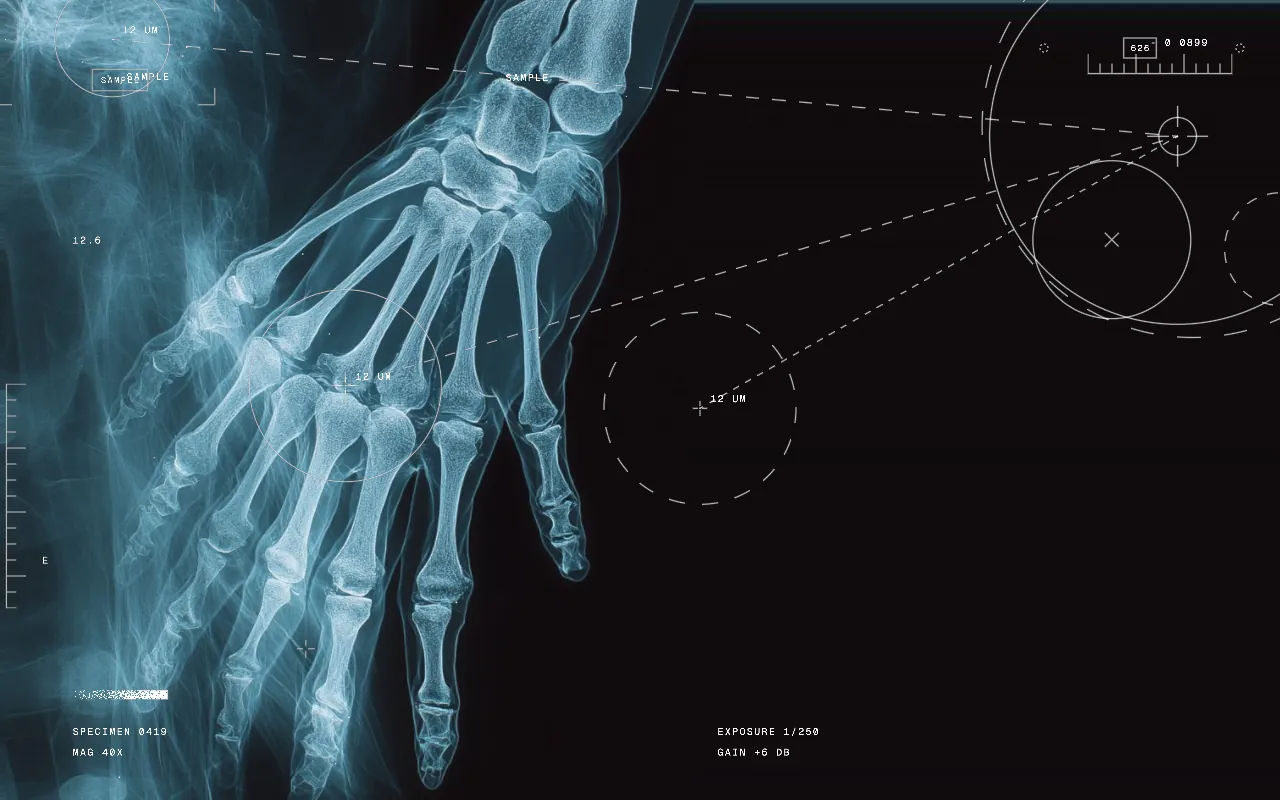
Annotations
Technical overlay marks: target rings, crosshairs, boxes, rulers, connectors and readouts, placed along edges, at random or where you paint. Purely decorative.
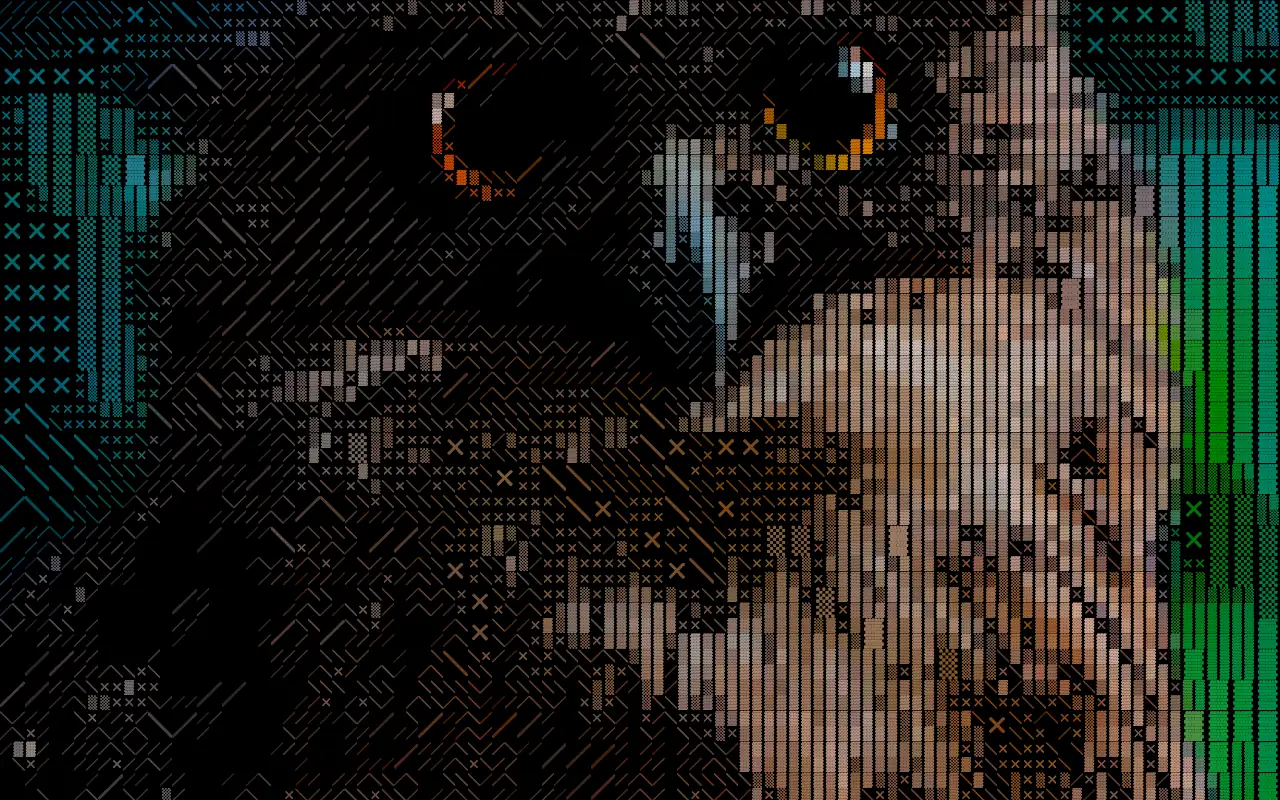
ASCII
Redraws the image as text characters, like an old terminal.
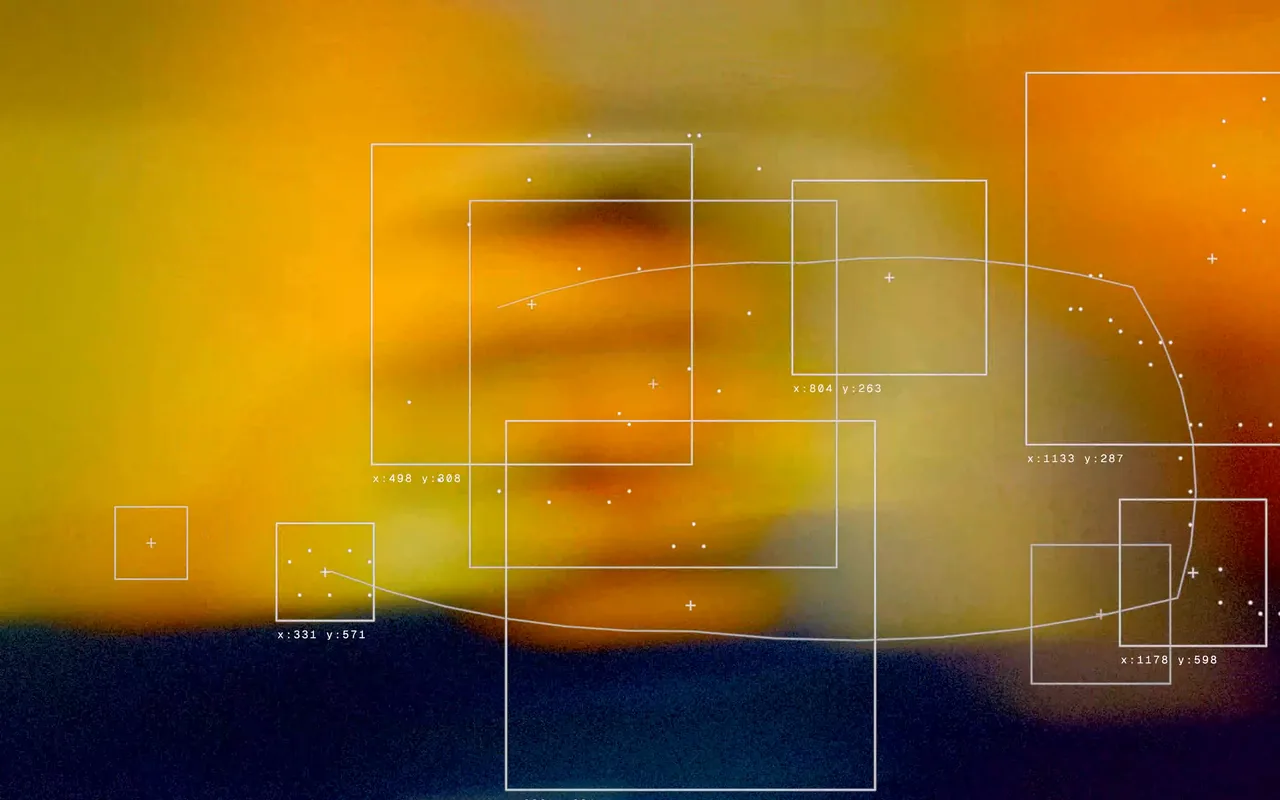
Blob Tracking
Finds moving regions and frames them with CCTV-style boxes, brackets and labels. Labels are decorative, not real recognition.
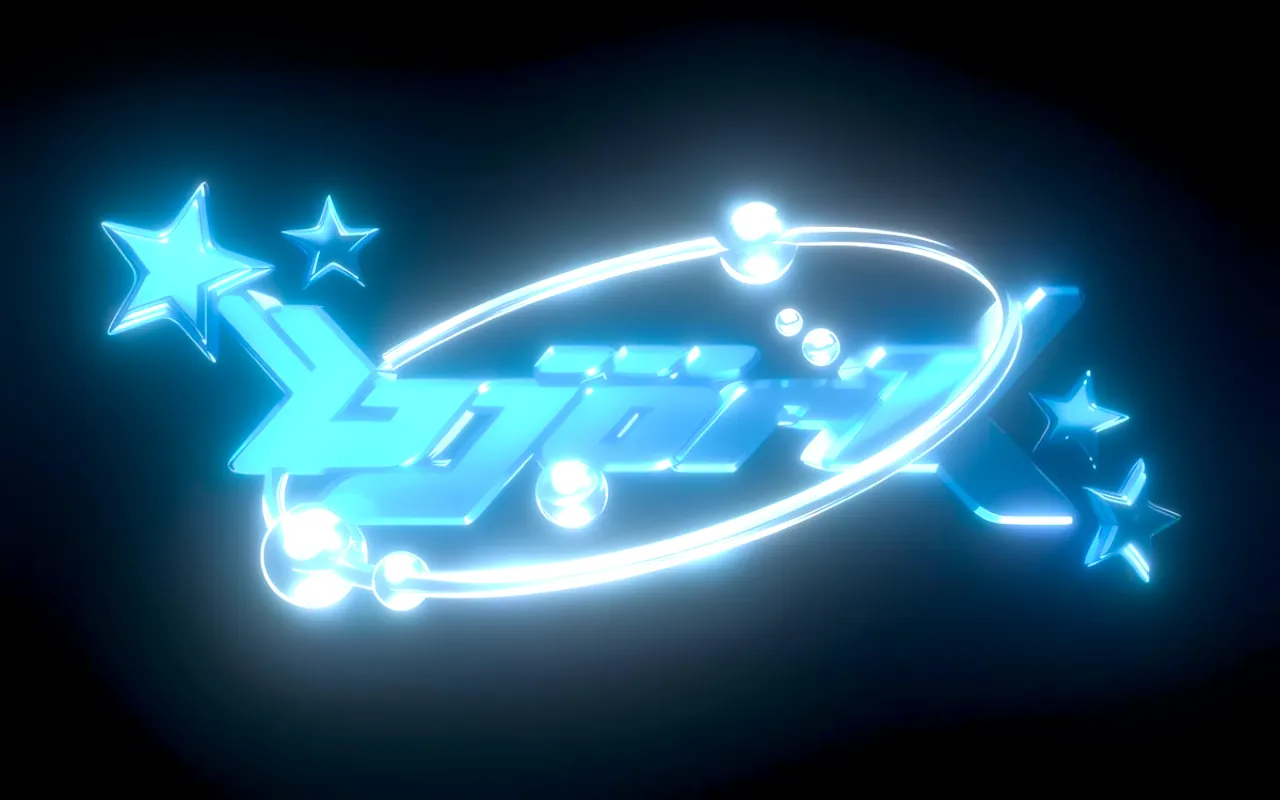
Bloom
Makes bright areas glow and bleed into their surroundings.
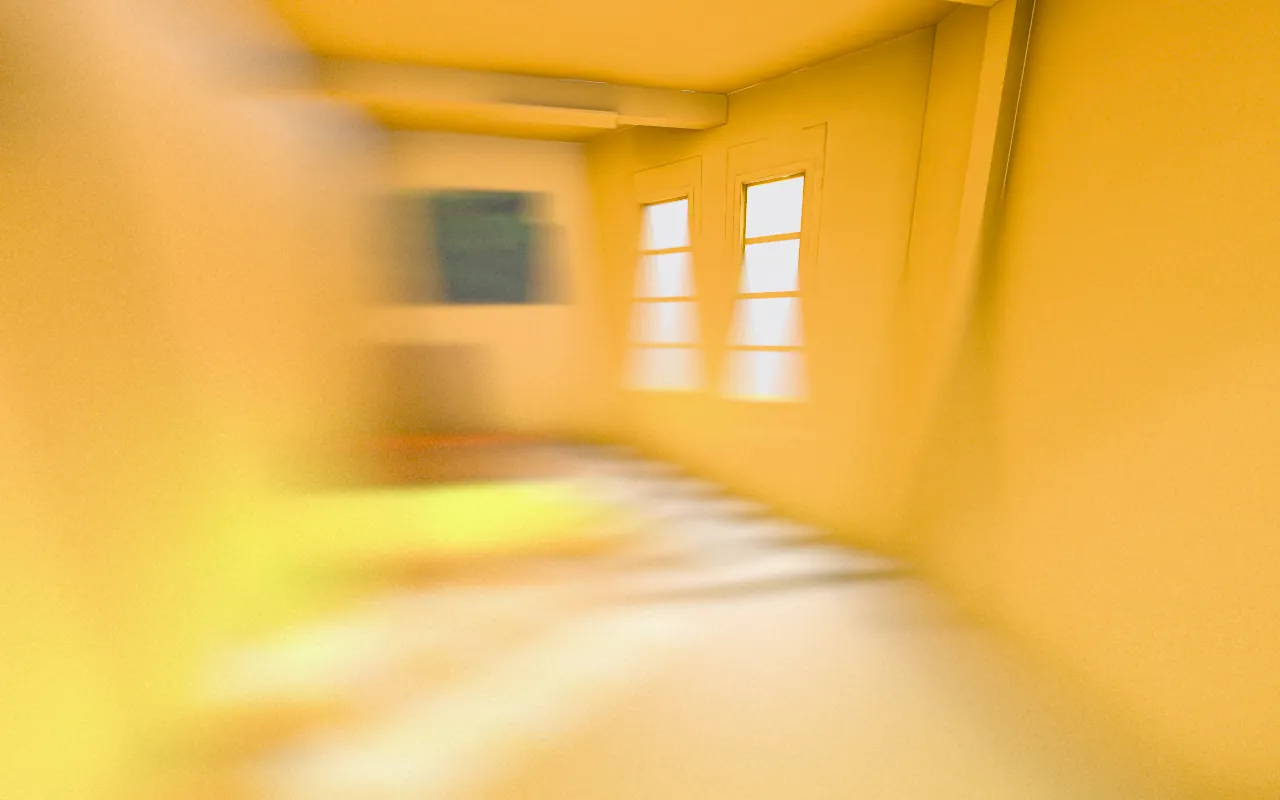
Blur
Blur that varies across the frame: depth of field, tilt-shift, radial focus or tone-based, with Gaussian, lens bokeh or motion streaks.
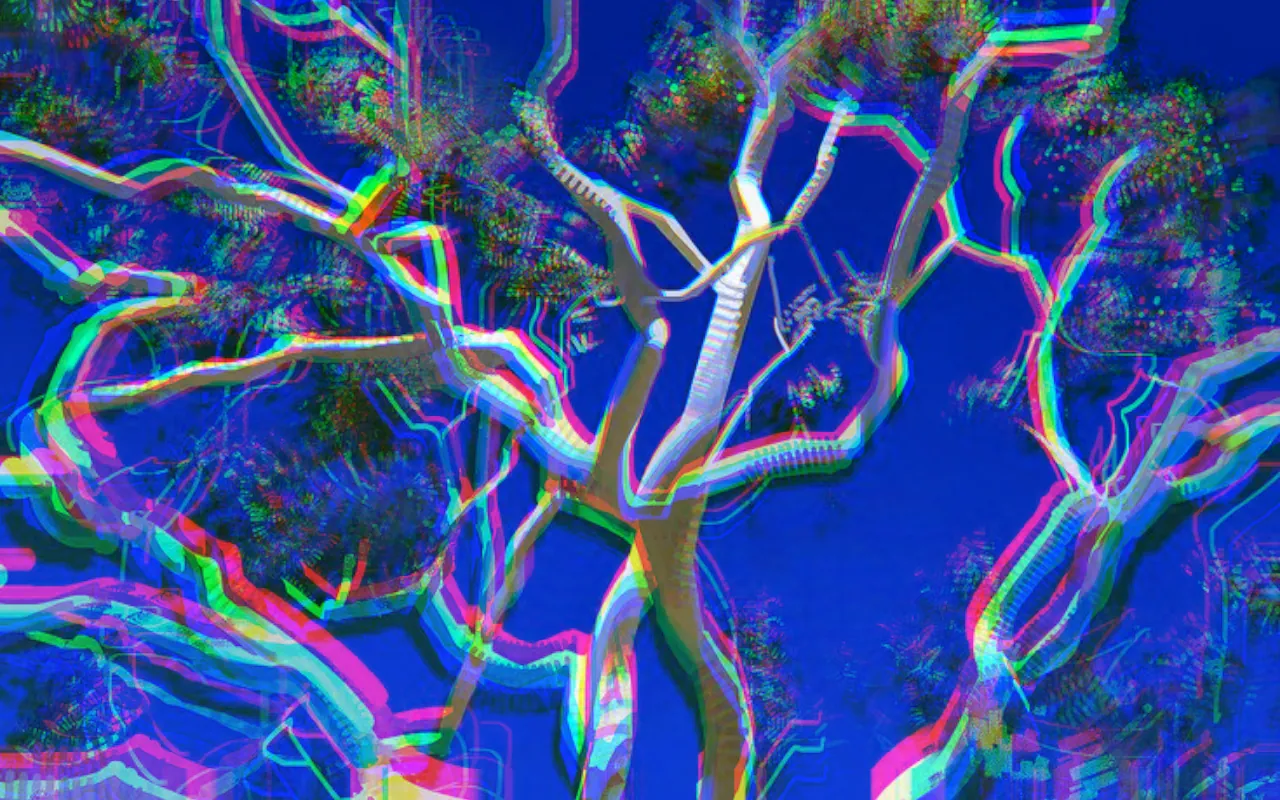
Chromatic Aberration
Splits the color channels apart for lens fringing.
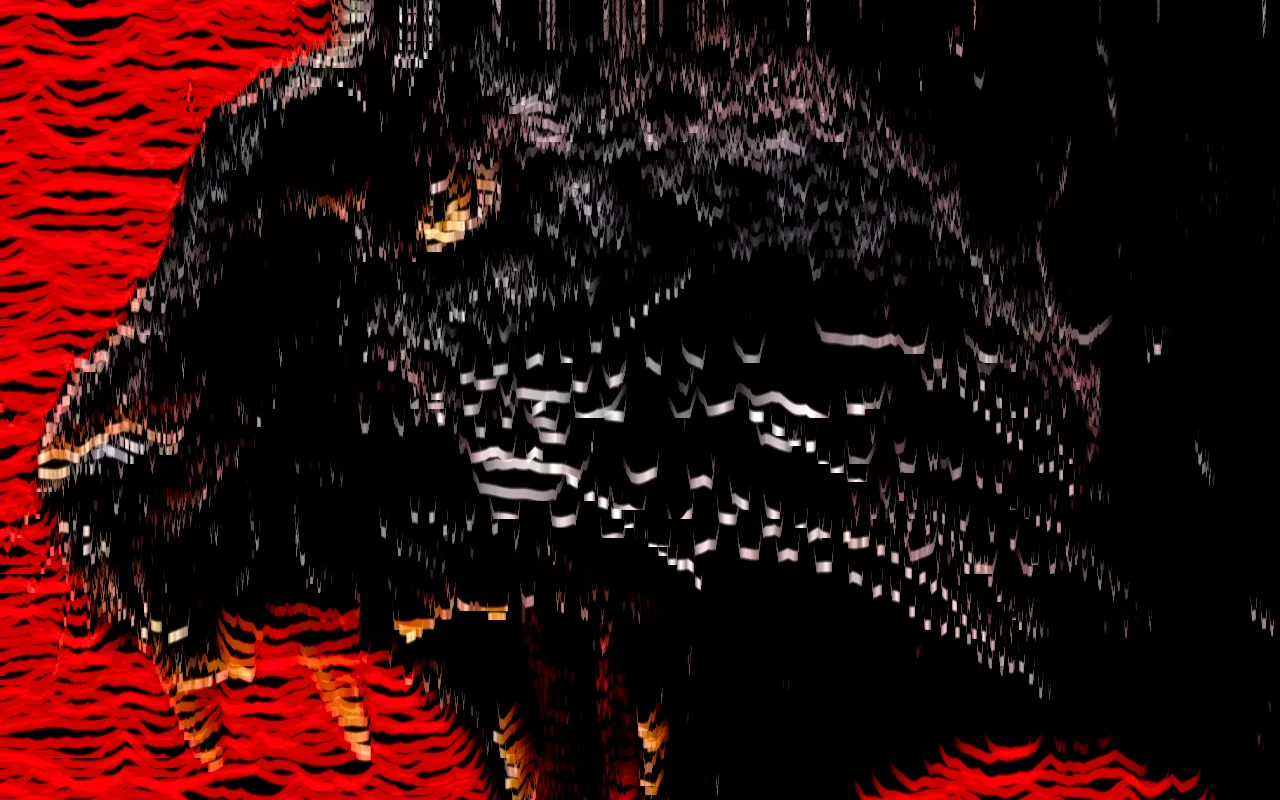
Circuit Bent
Turns the image into scanlines and bends them around a point that pulls or pushes.
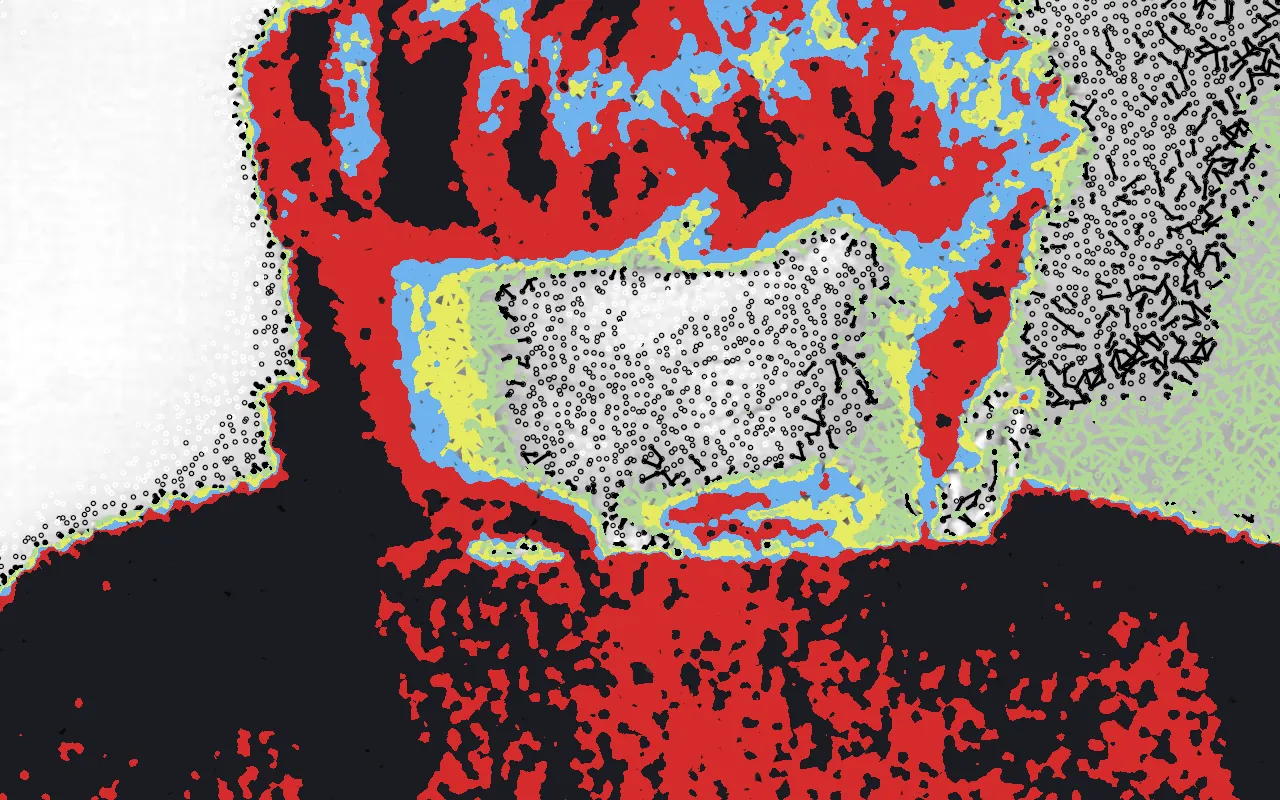
Connected Dots
Turns the image into points linked to their neighbors: tone graphs, ink blobs or fading plexus lines. Points can drift so links form and break.
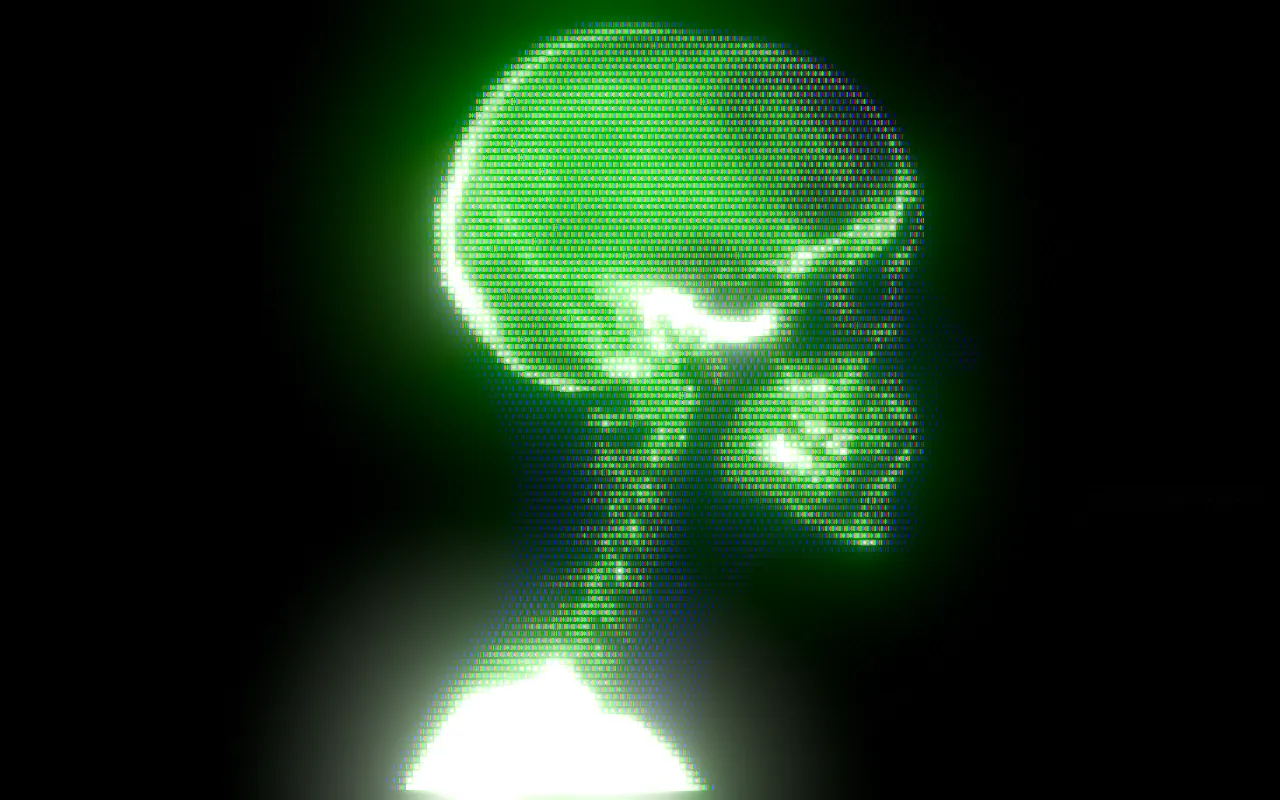
CRT
An old CRT screen: scanlines, phosphor glow and signal noise.
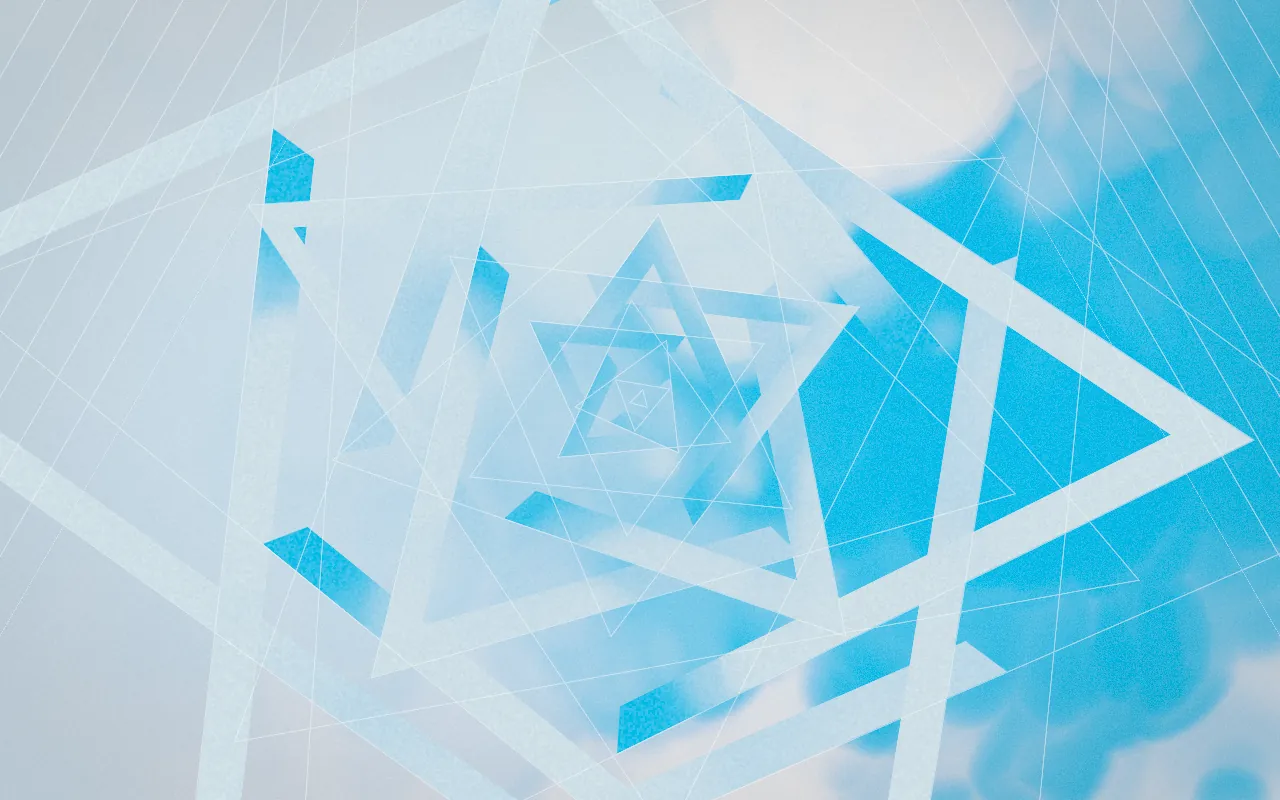
Displaced Rings
Cuts the image into concentric rings or half-discs and shifts each one.
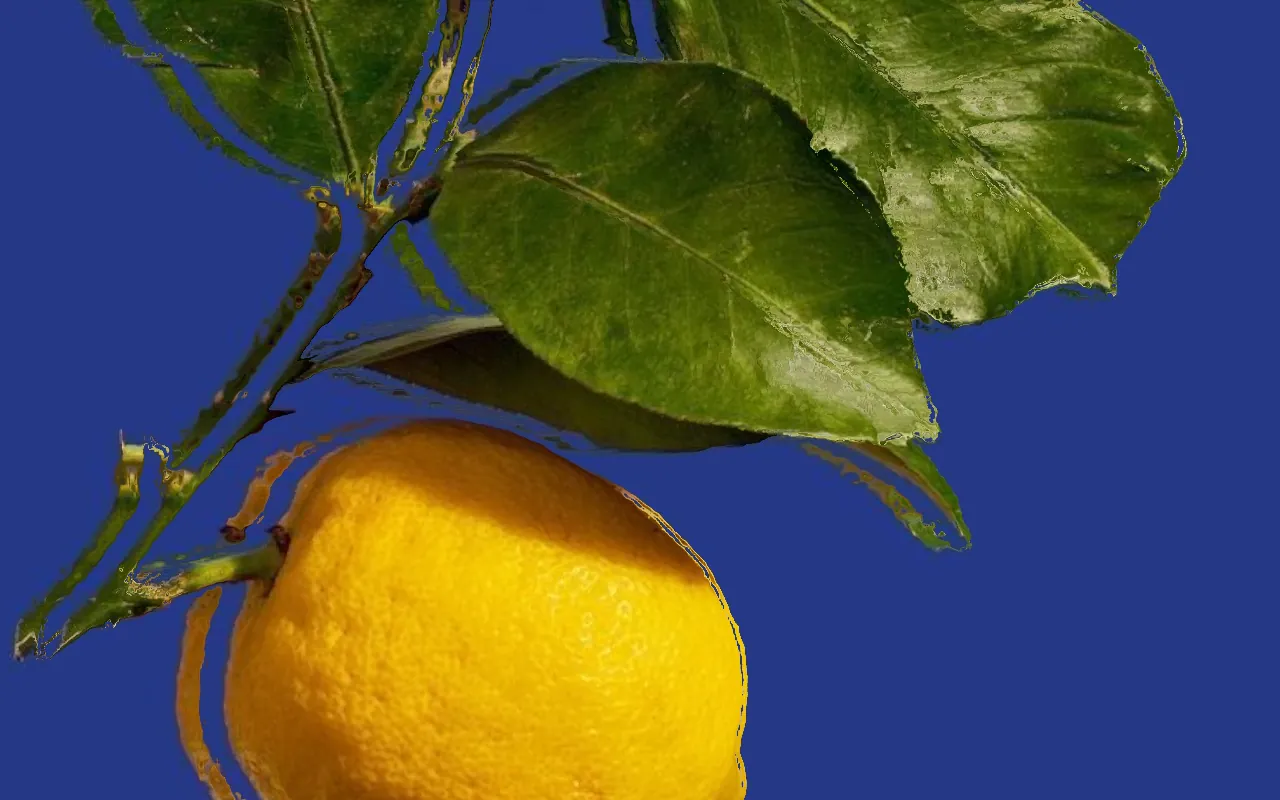
Displacement Map
Warps the image by pushing pixels according to brightness.

Dithering
Reduces the image to a few colors with ordered or textured dithering patterns.
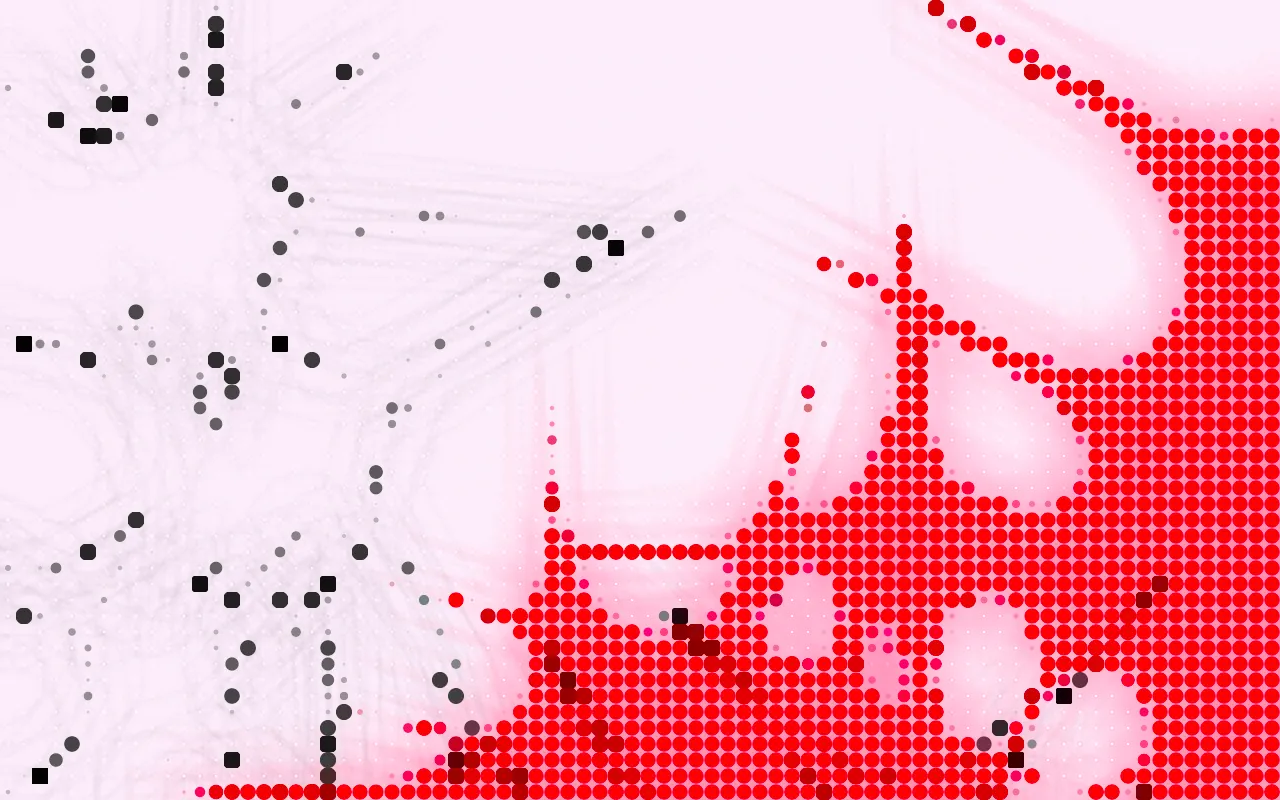
Dot Grid
A precise grid of dots locked to the artboard, each sized by the tone beneath it.
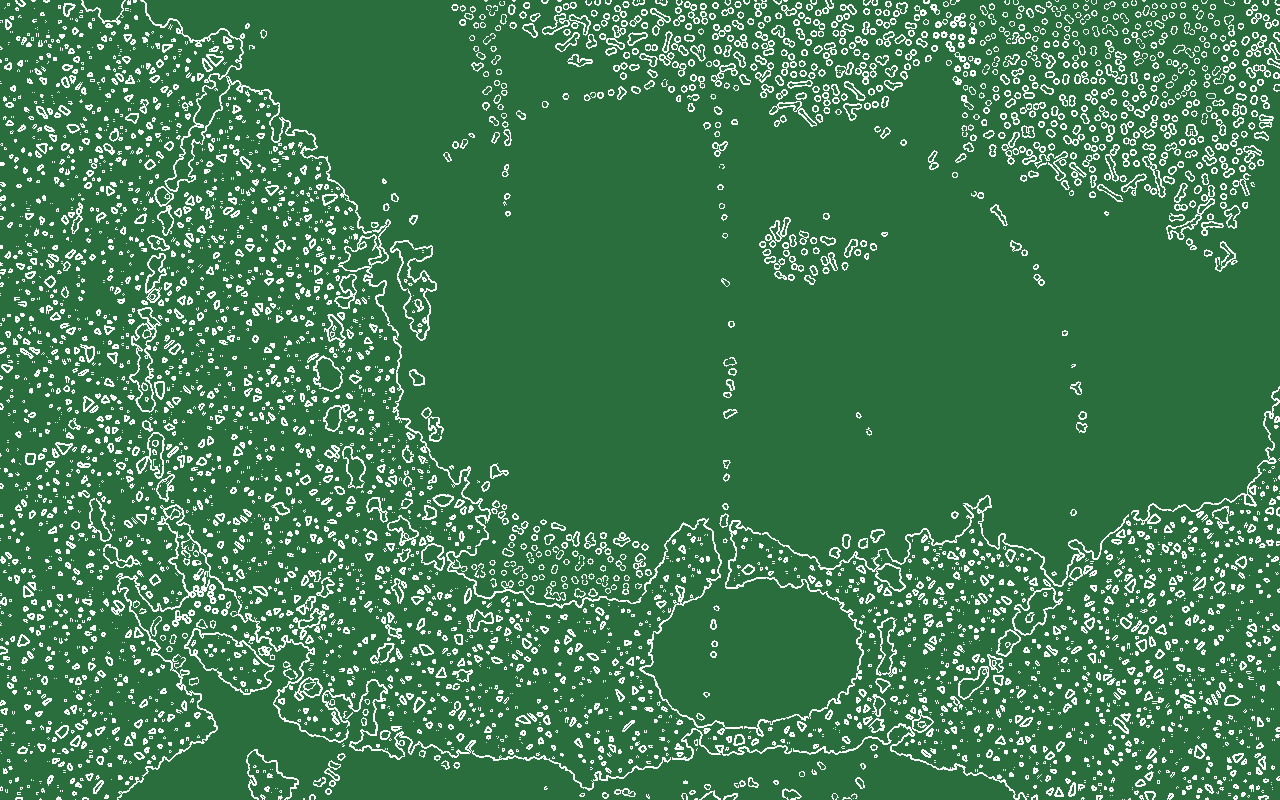
Edge Detect
Finds edges in the image and draws them as outlines.
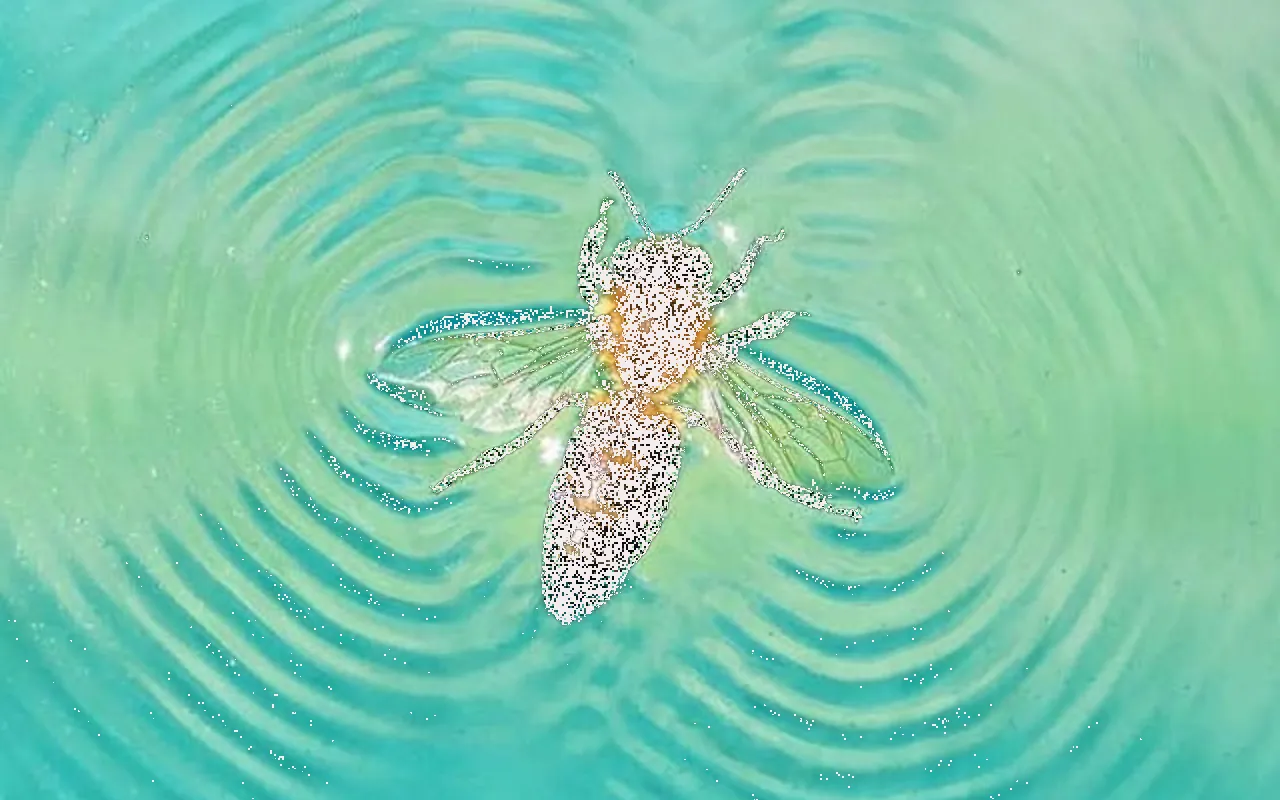
Erosion
Crumbles the image into speckle along edges, tones or a cutout's border, throwing fragments outward.
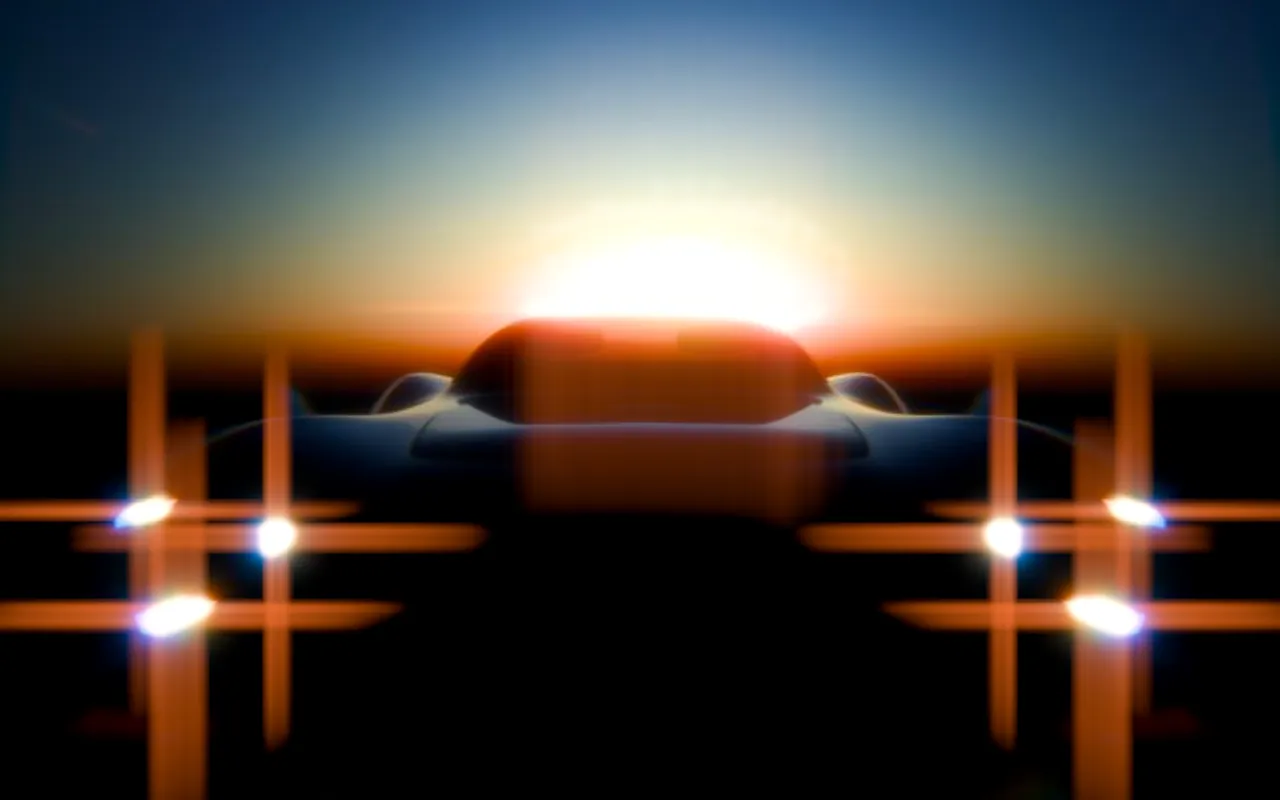
Flares
Light flares on the brightest points: crosses, stars, starbursts or anamorphic streaks.
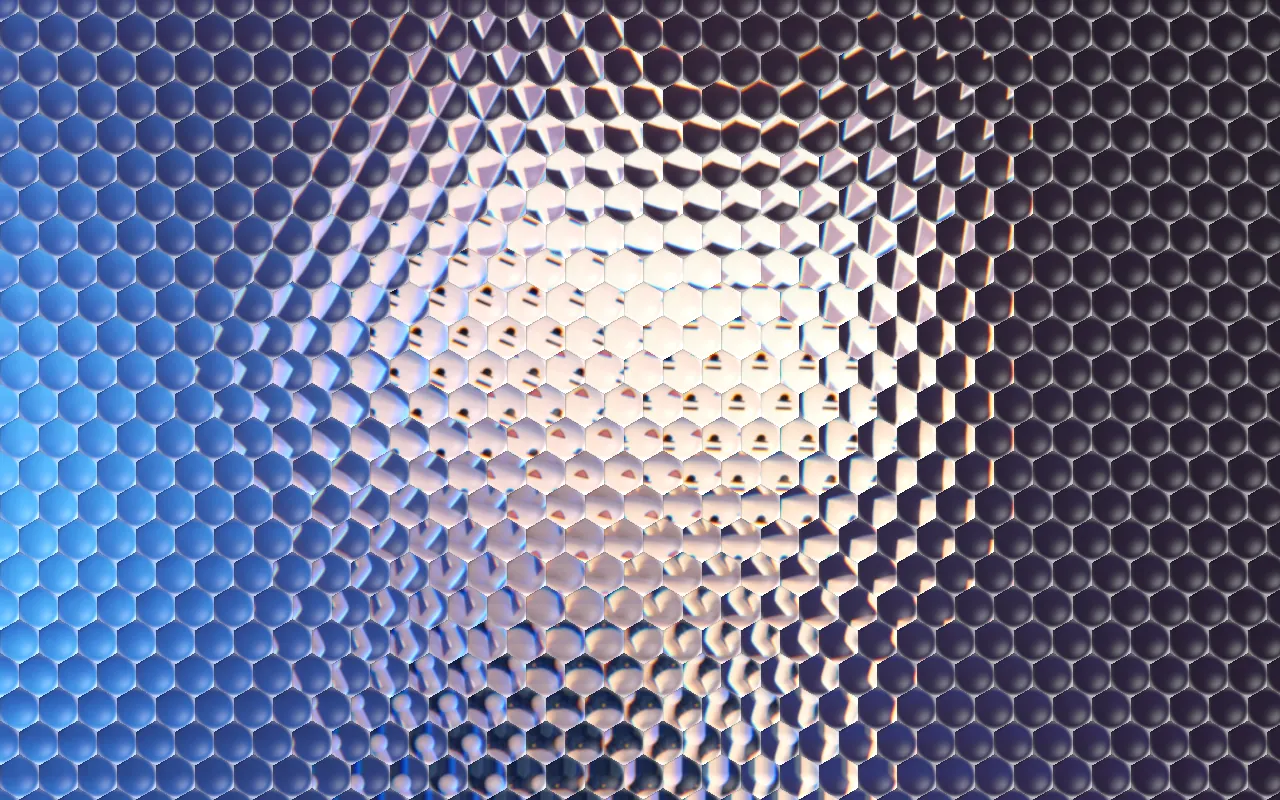
Glass
Textured glass in front of the image: reeded, hammered, pyramid, hex or frosted. Every cell acts as a small lens.
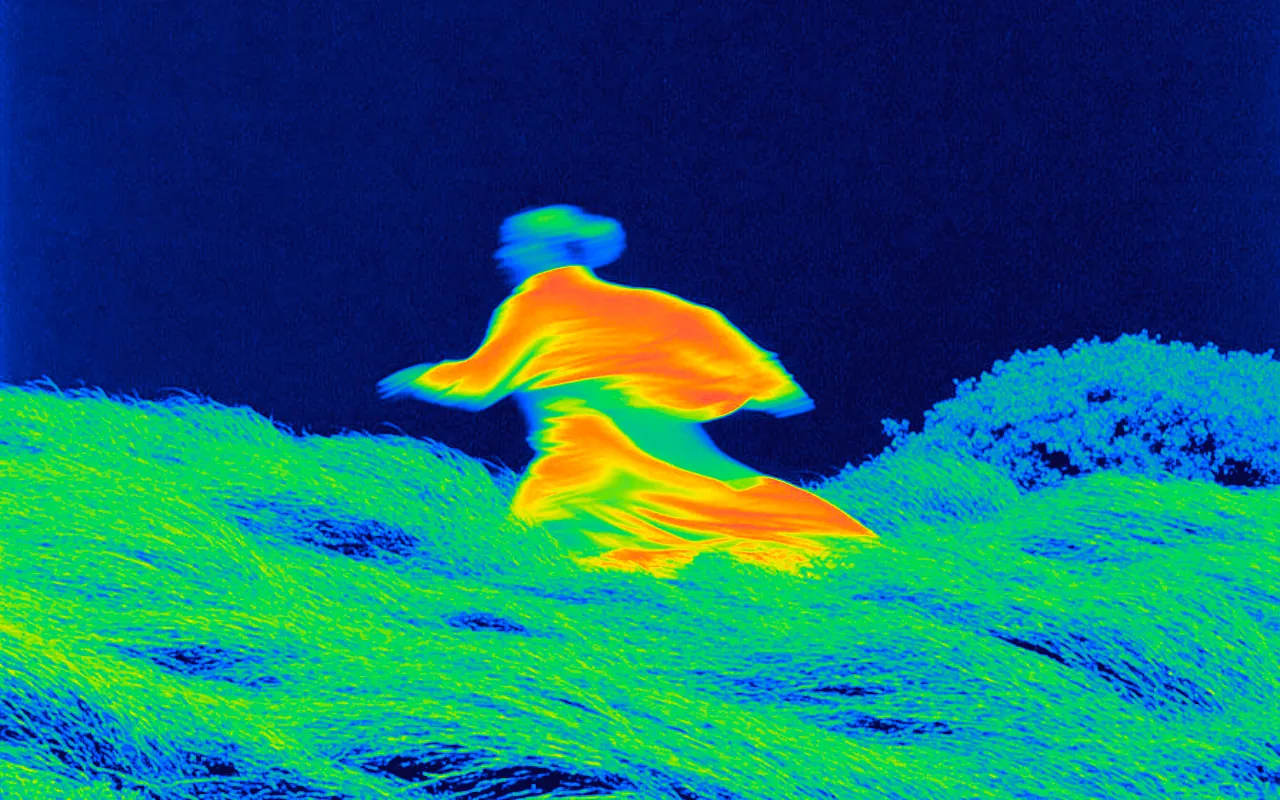
Gradient Map
Recolors the image by brightness using a color ramp you edit.
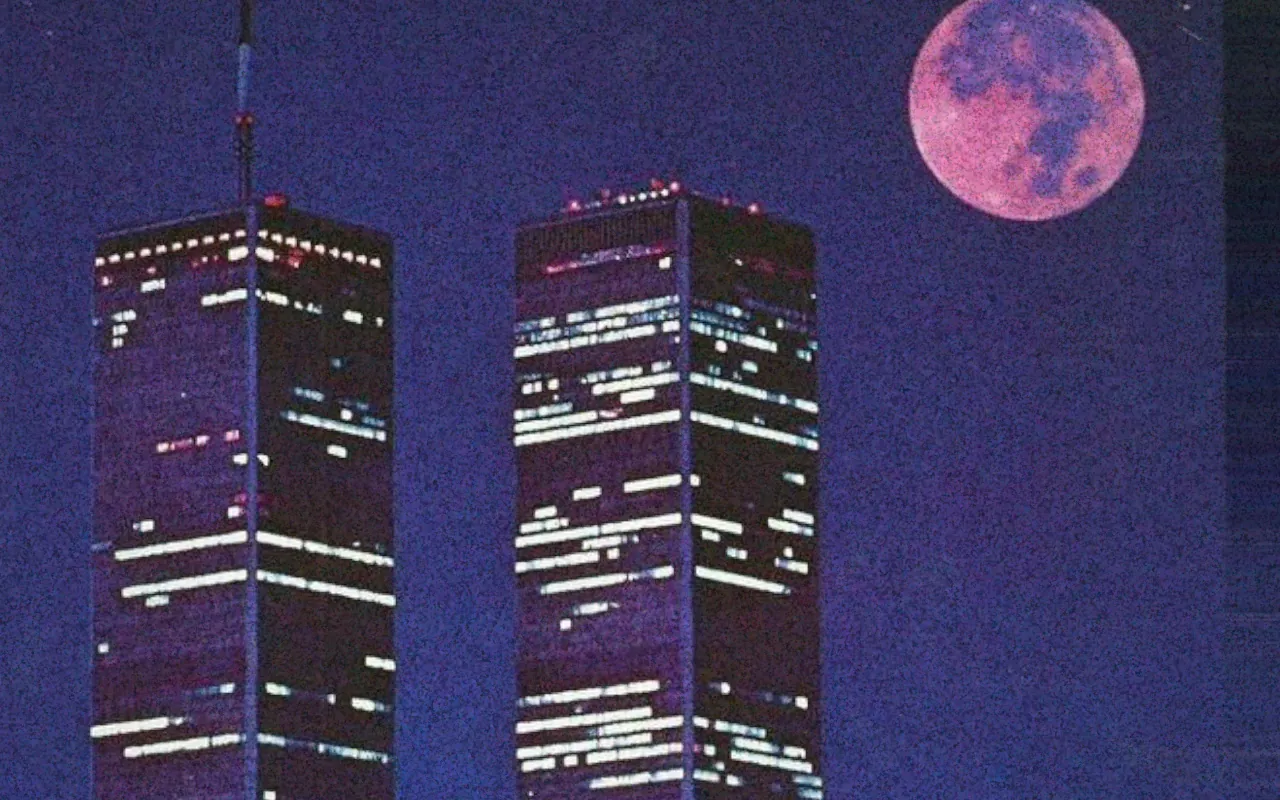
Grain
Film grain for photos and video, from fine 35mm to pushed 16mm. It can change every frame, like real film.
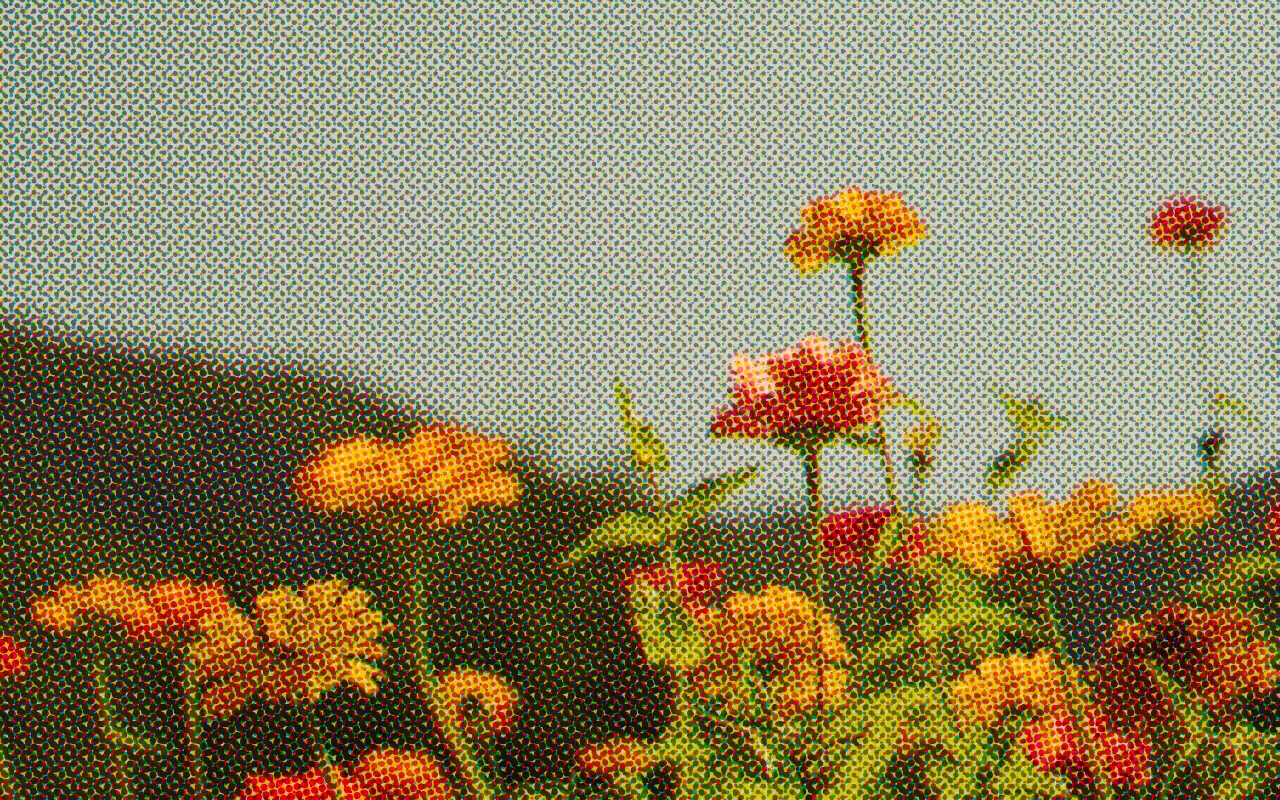
Halftone
Turns the image into printed dot screens.
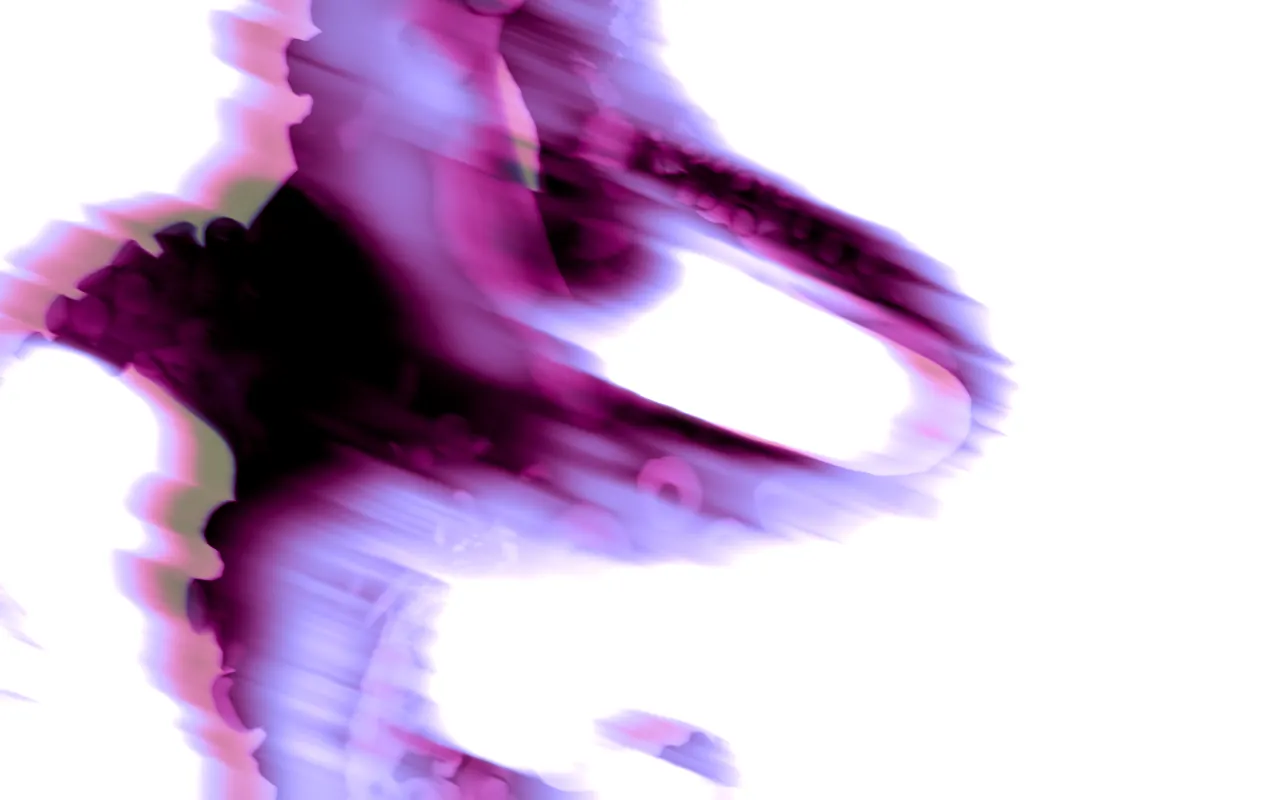
Ink
Smeared glow and fluid bleed for neon, ink-like edges.
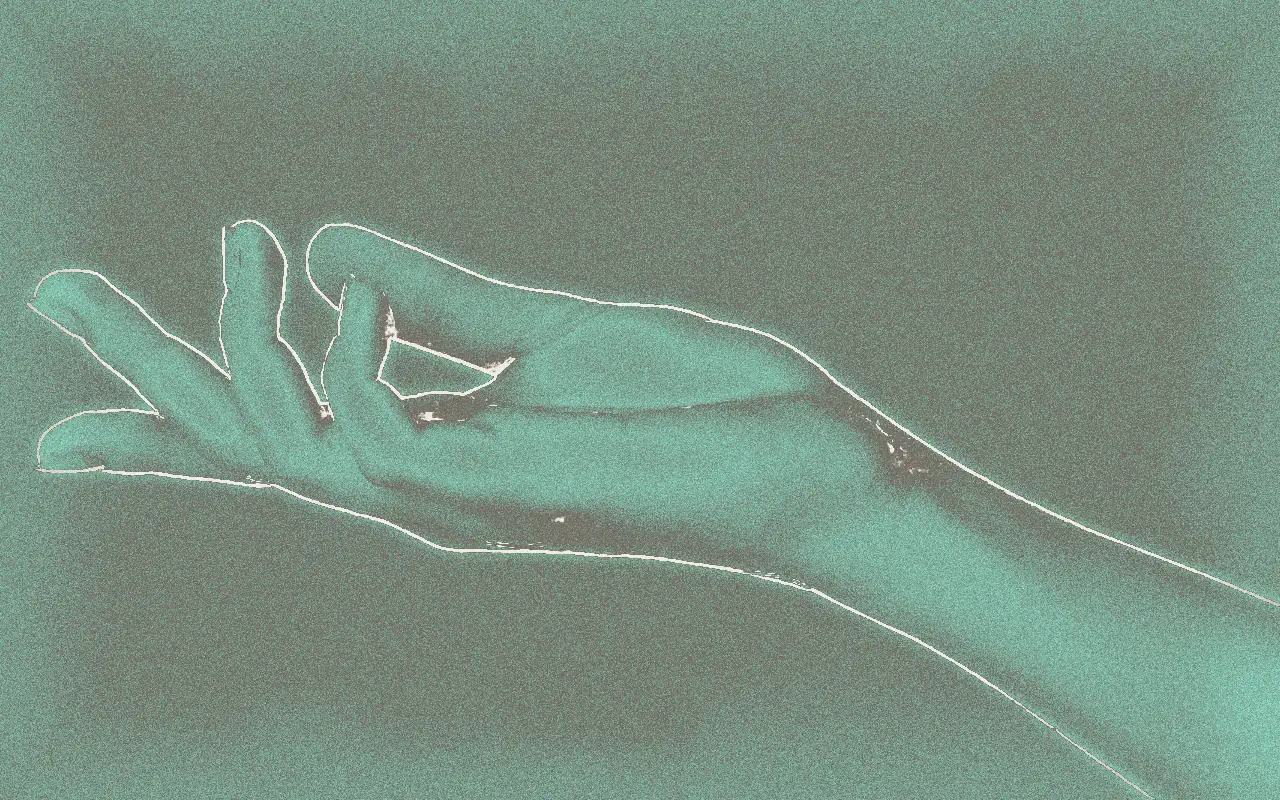
Lumen Print
An analog sun print: toned shadows, solarized highlights, halation, burned edges and grain.
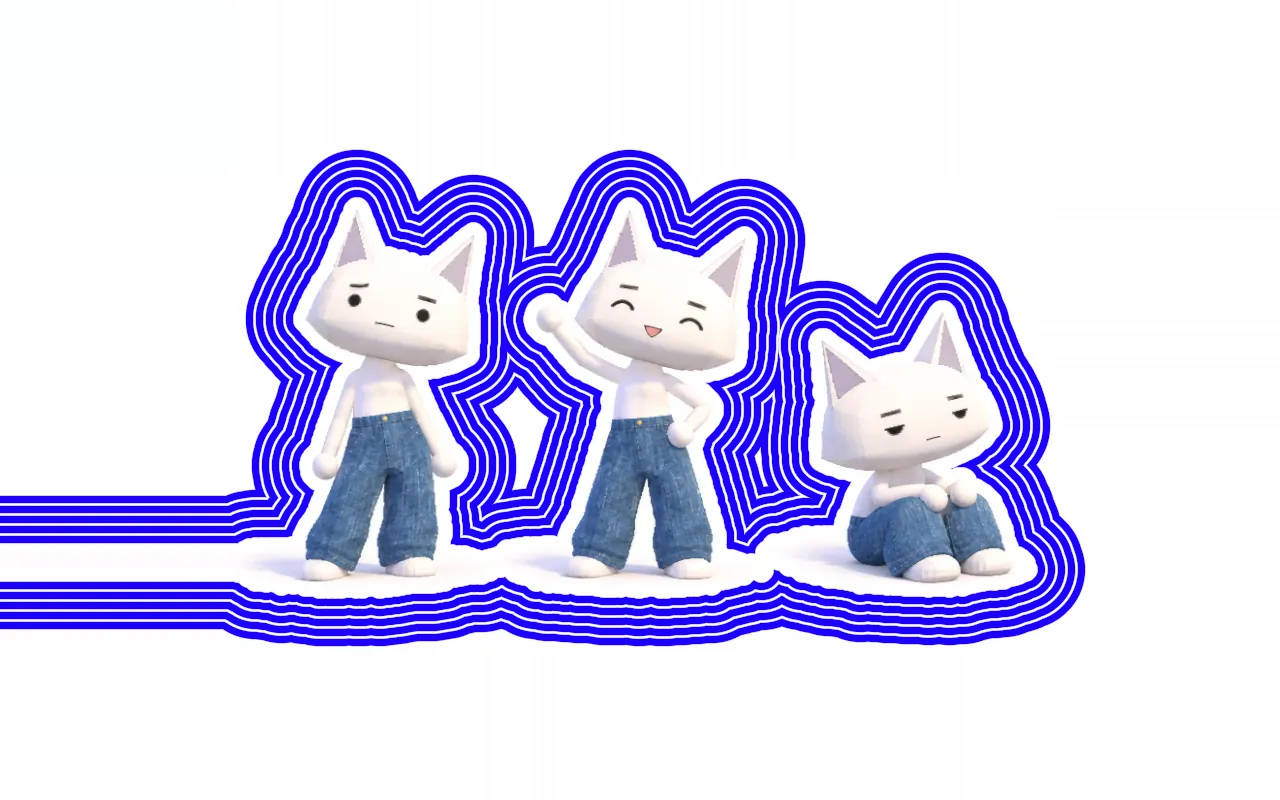
Outline
Draws outlines around text, cutouts or the shapes in the image: solid, double, dashed or scalloped, repeated as rings.
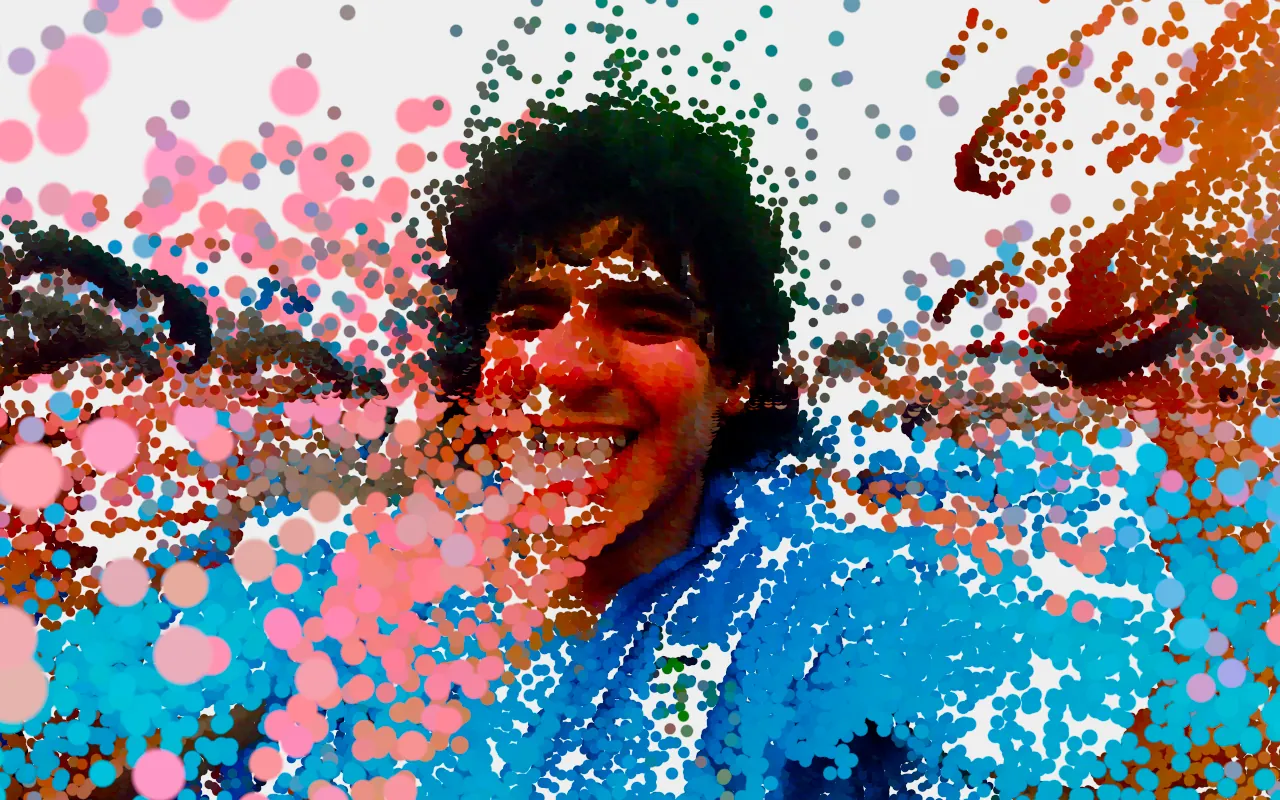
Particle Grid
Breaks the image into a grid of glowing particles.
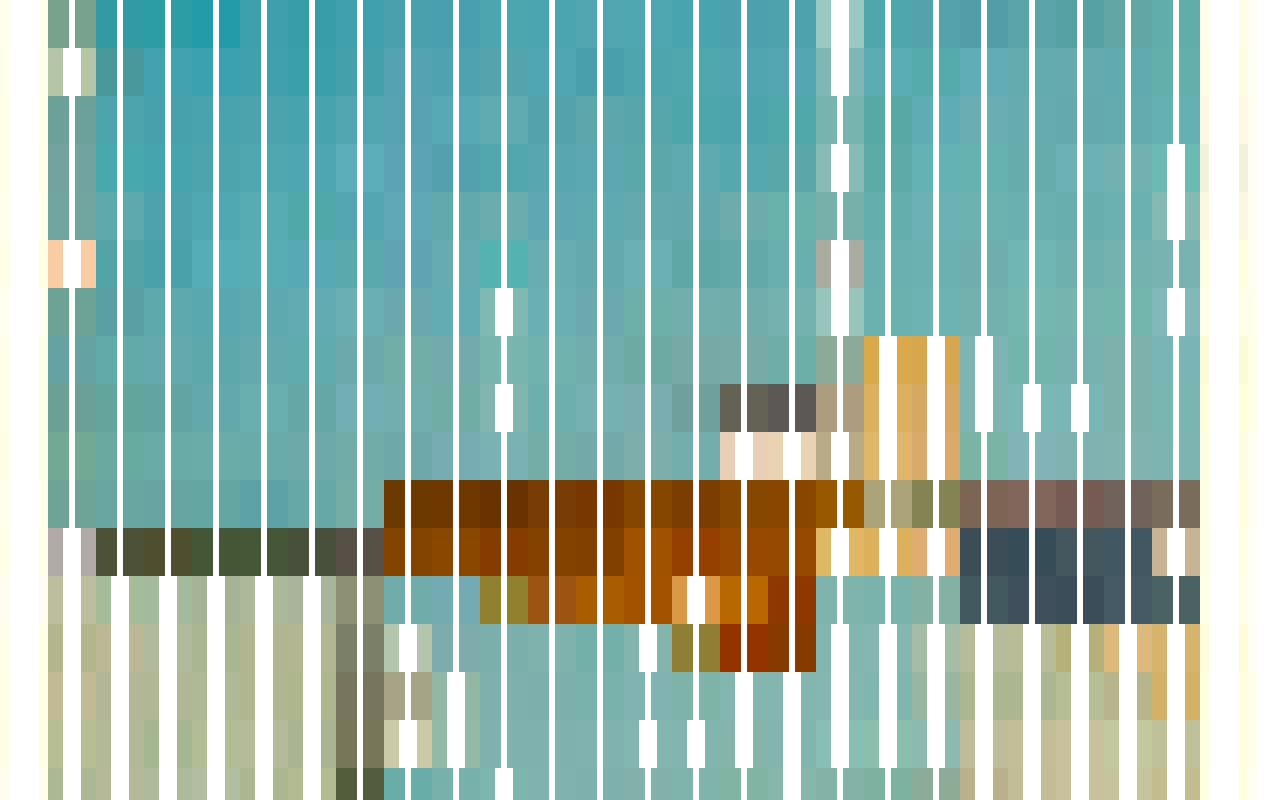
Pattern
Rebuilds the image from repeating graphic patterns, light to dark.
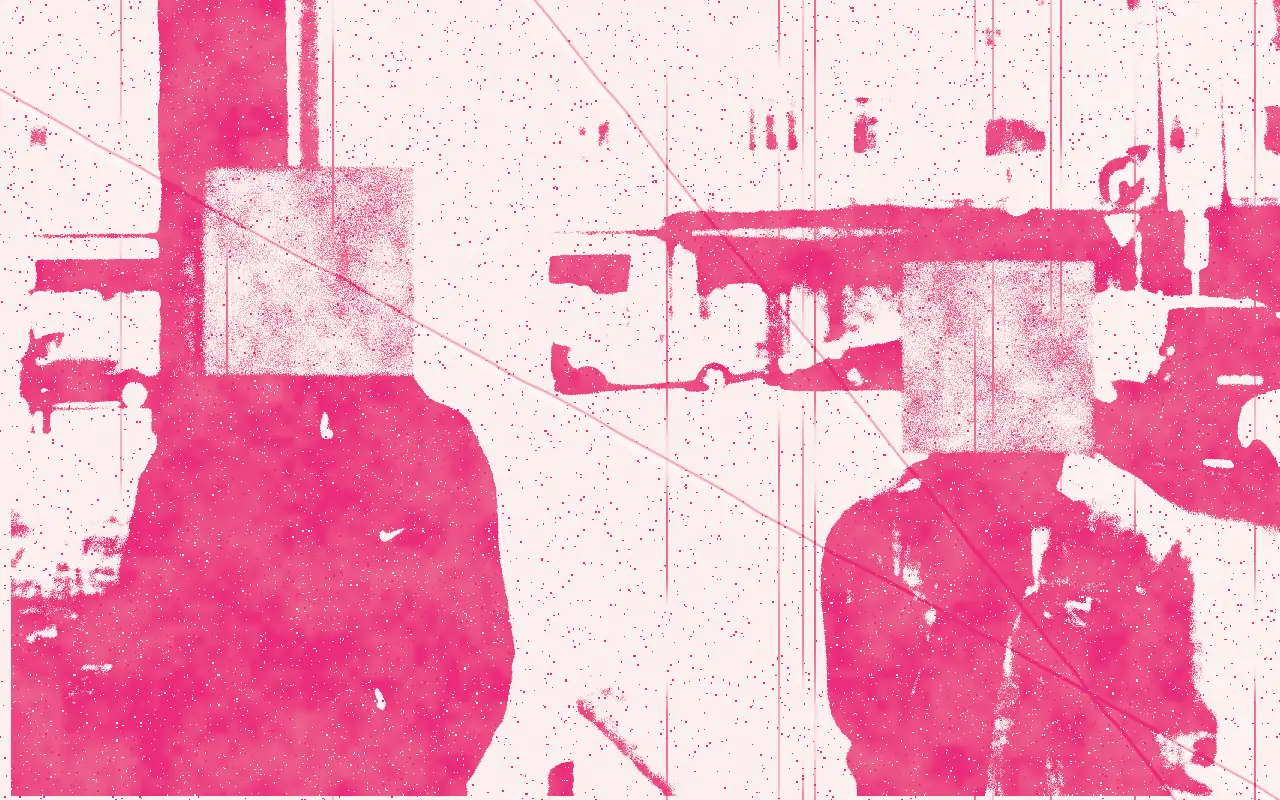
Photocopy
A worn photocopy: crushed toner, speckle, streaks, misregistration and folds. Copies of copies degrade further.
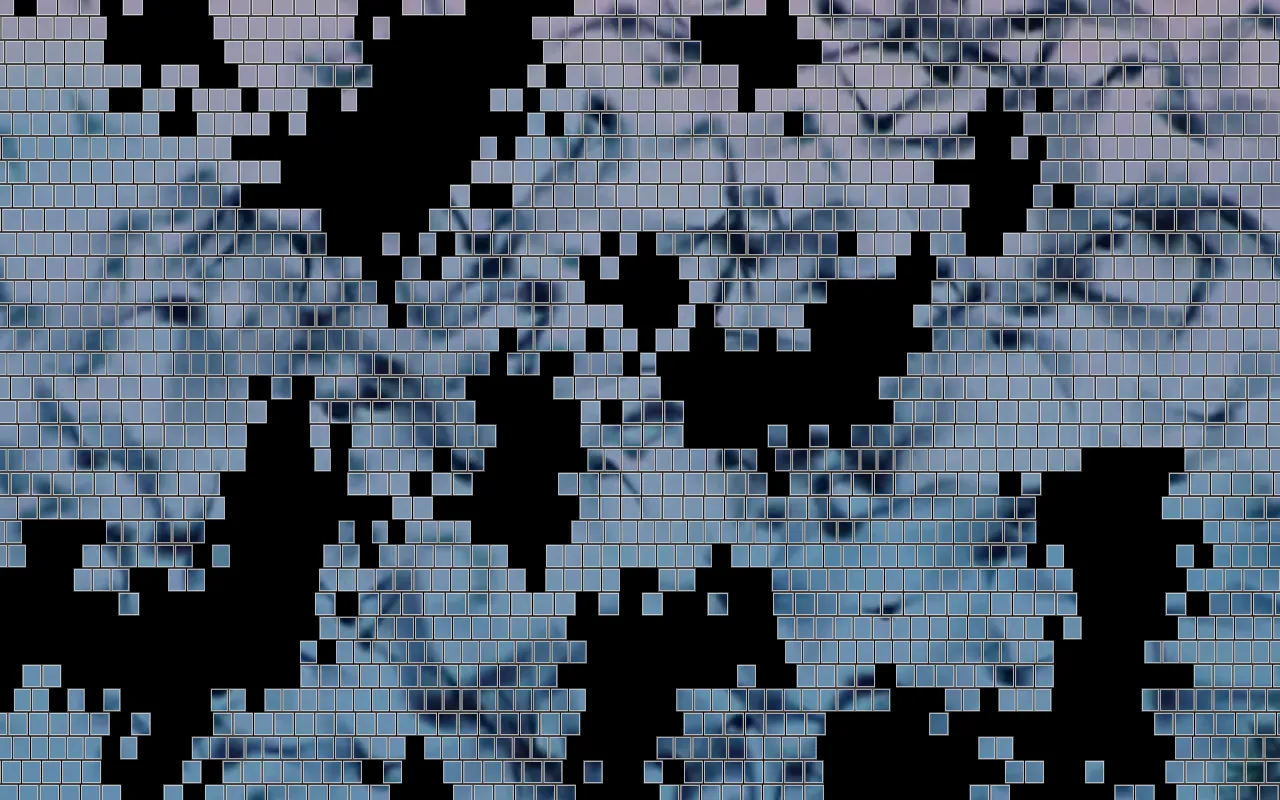
Photographic Cells
Reveals the photo through a grid of cells joined into regions, with stepped edges and outlines.
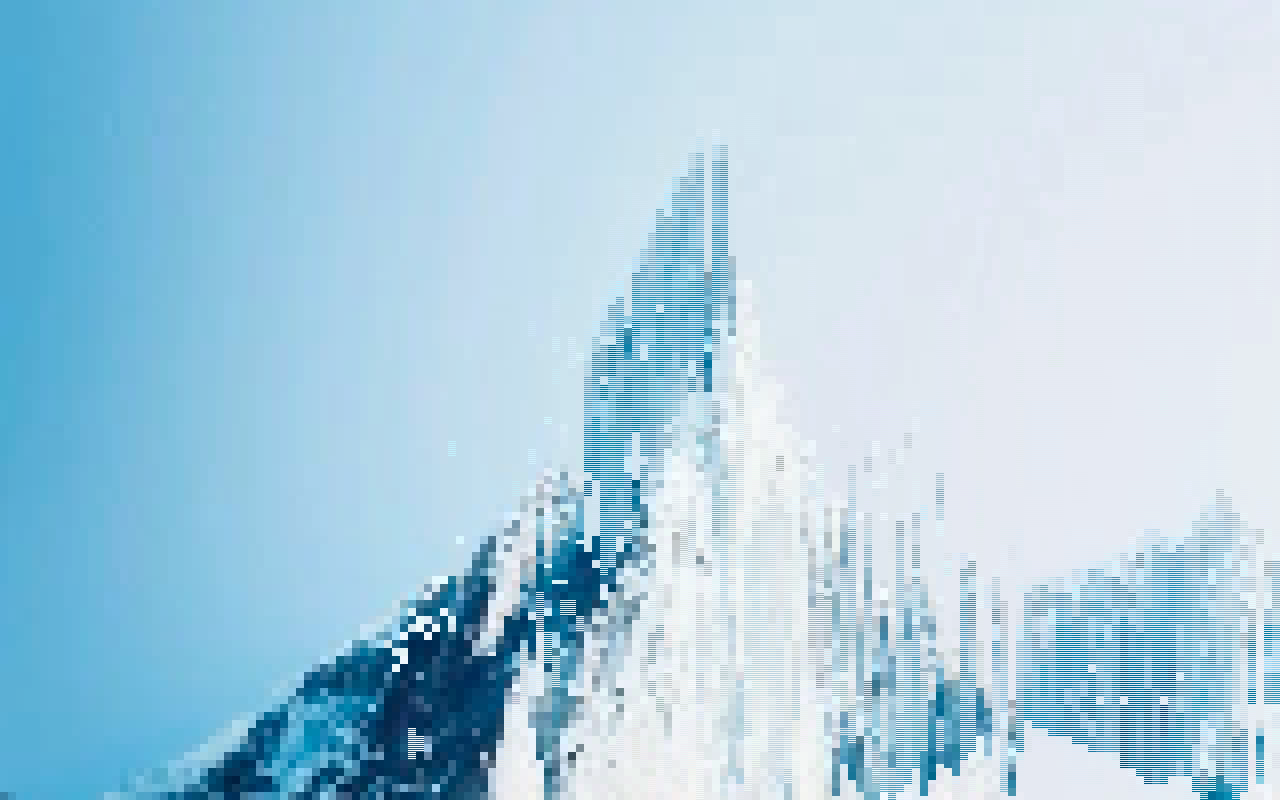
Pixel Sorting
Sorts pixels into streaks by brightness or color.
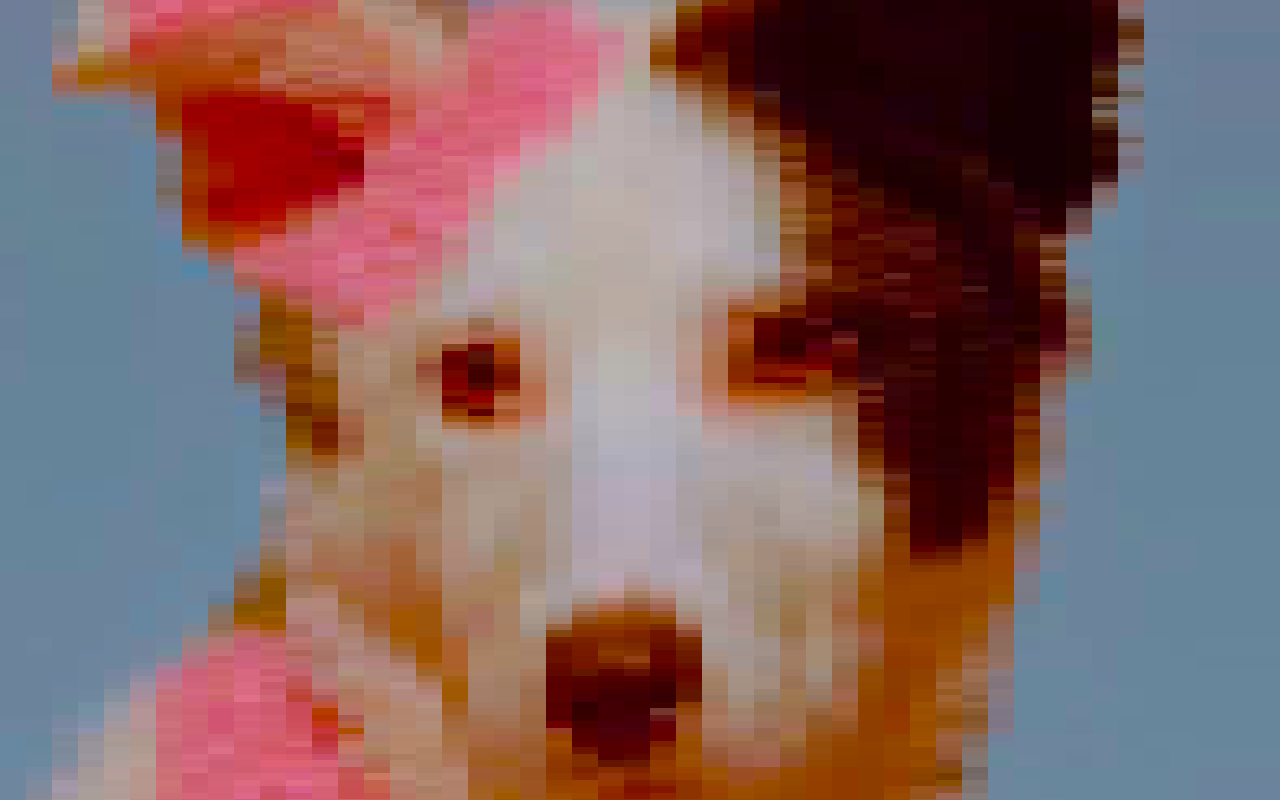
Pixelation
Turns the image into large square pixels.
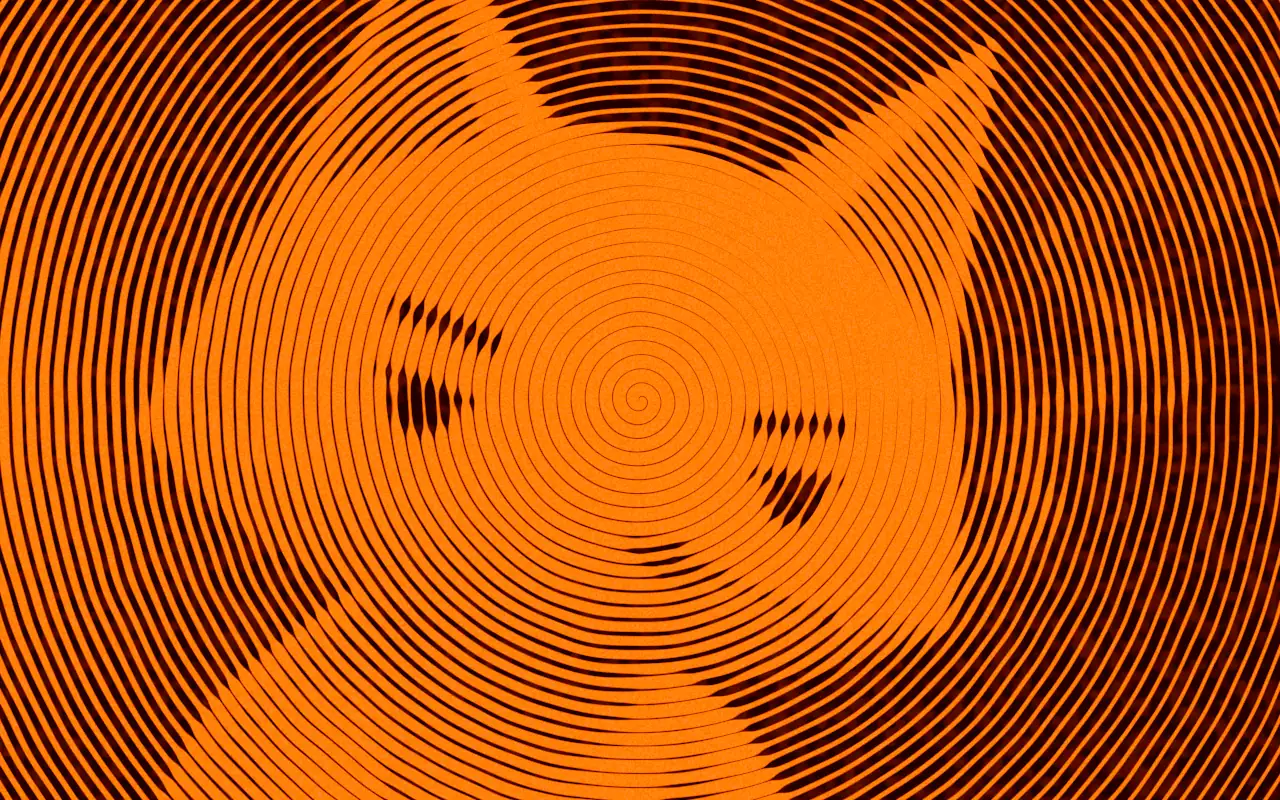
Plotter
Redraws the image as a pen plotter would: hatching, flow lines, contours, squiggles, a spiral or stipple.
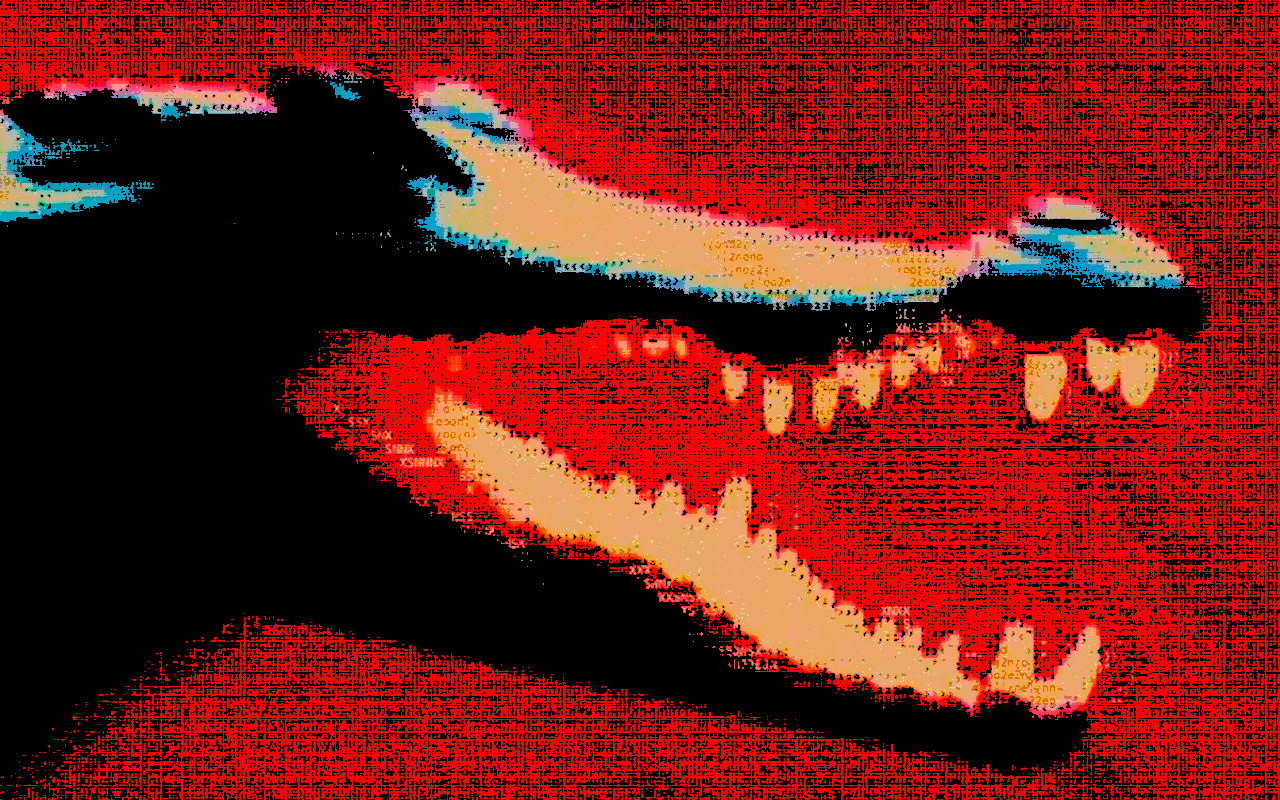
Posterize
Flattens the image into a few bands of color.
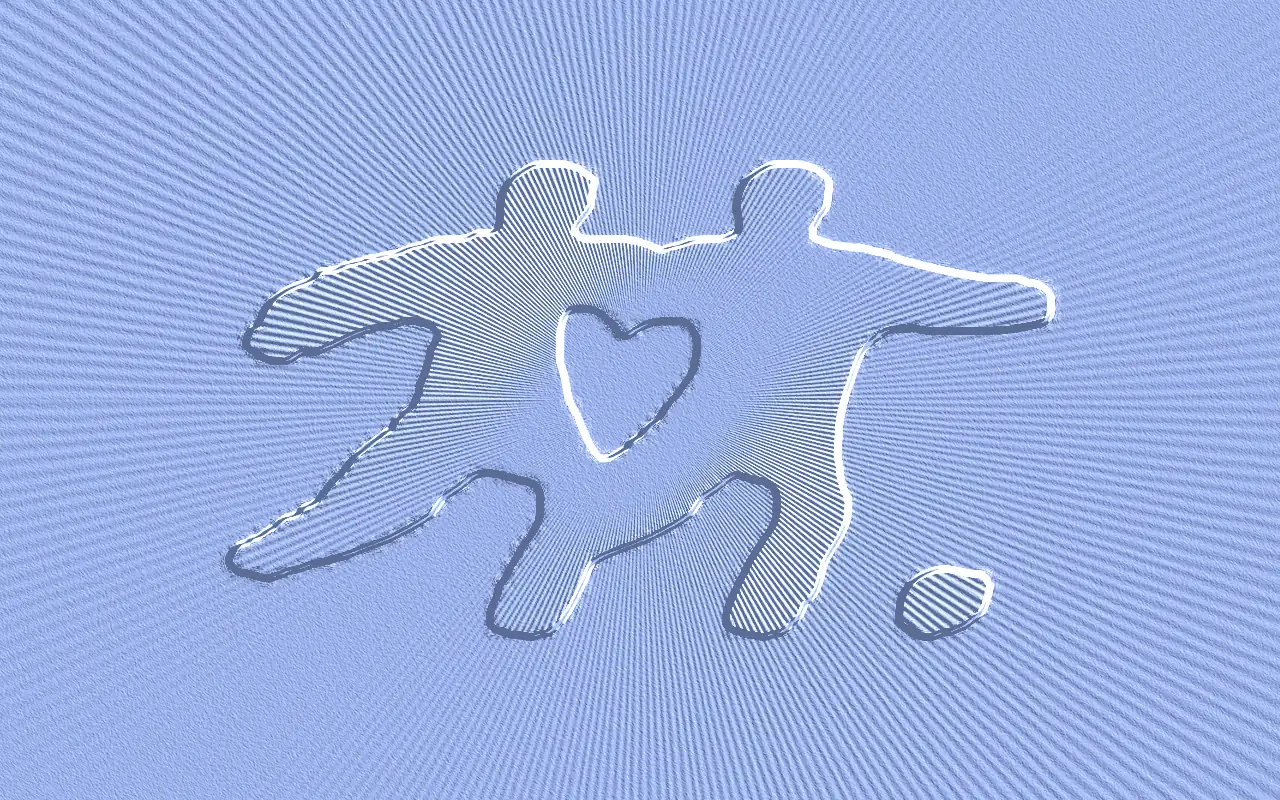
Relief
Embosses or debosses the image into a lit surface: silver plate, letterpress, blind emboss or gold foil.
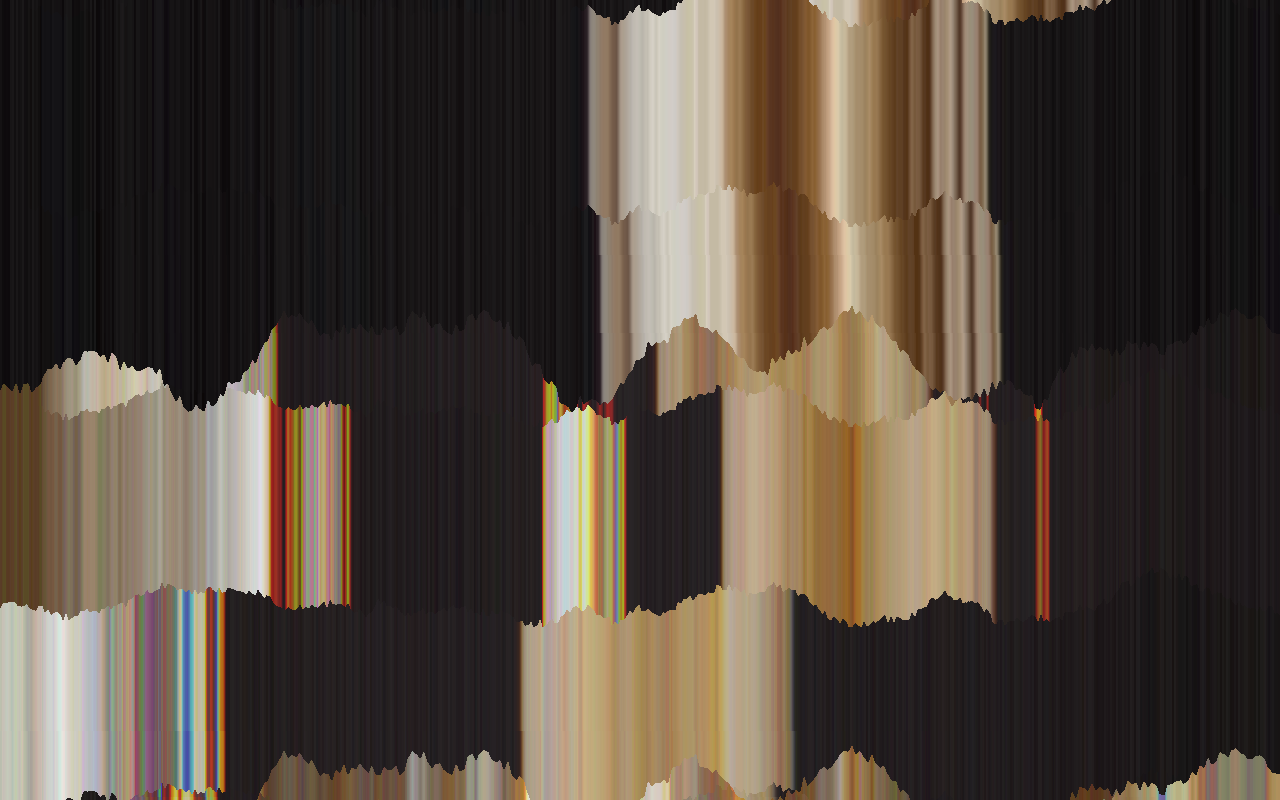
Signal Rot
A failing scan: dragged streaks, wobble, torn bands, color drift and line noise.
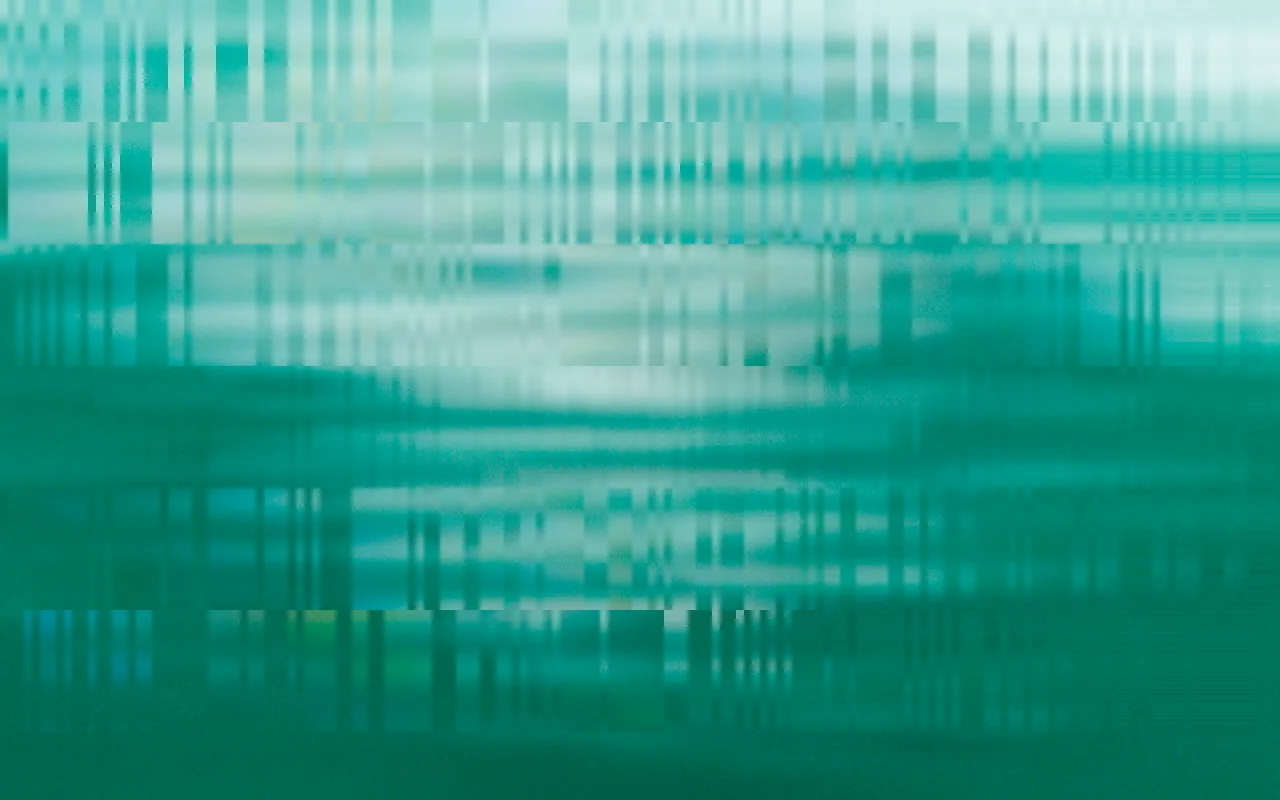
Slice
Shifts horizontal slices of the image sideways into glitchy bands.
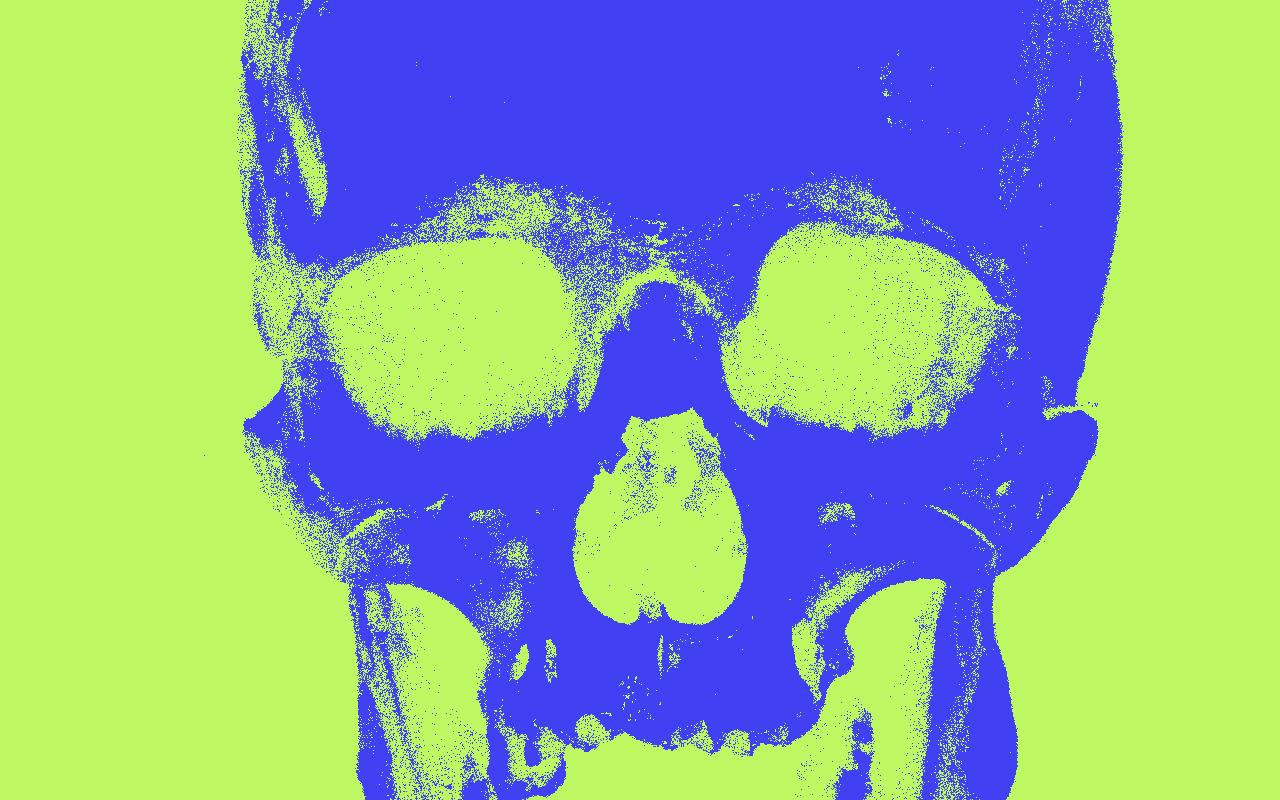
Threshold
Turns the image into stark black and white at a cutoff you set.
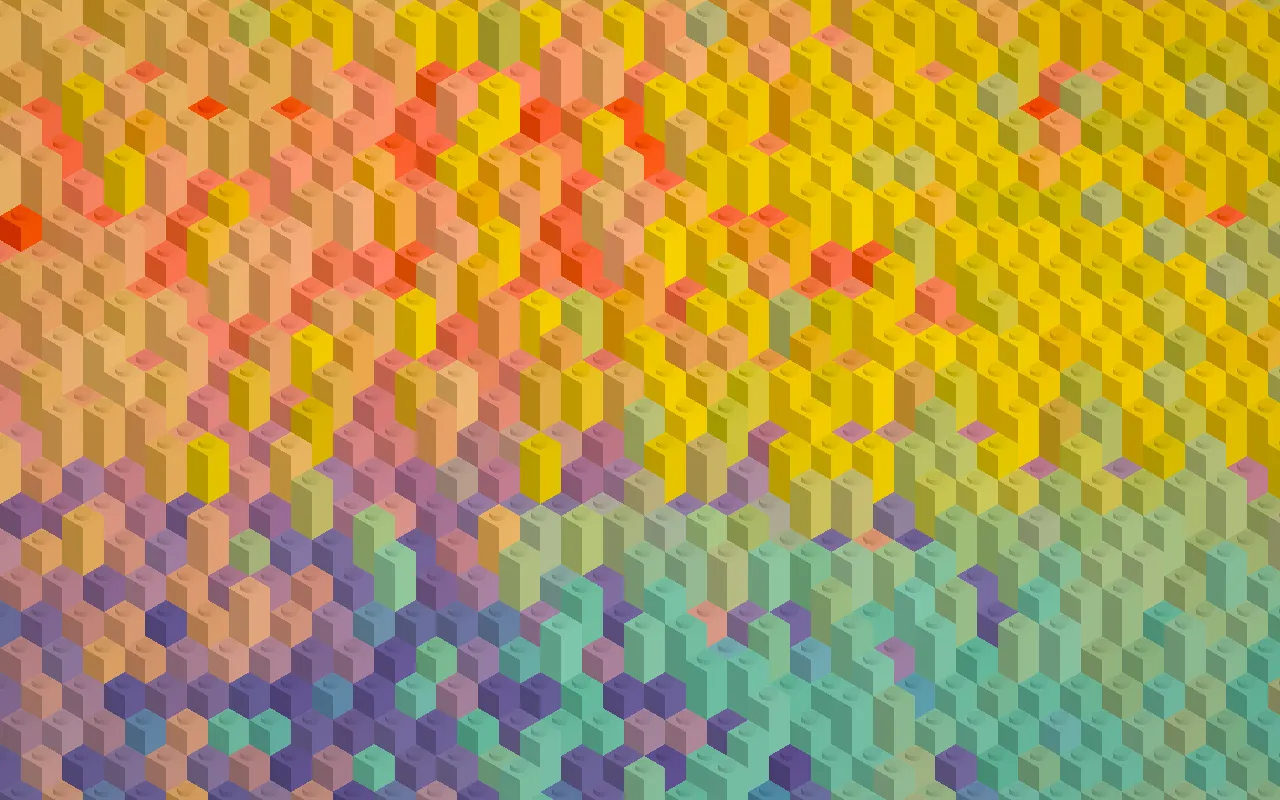
Voxel
Rebuilds the image from isometric cubes, with brighter areas rising higher.
Use it outside the editor
@basementstudio/shader-lab
Portable React/WebGPU runtime — render exported Shader Lab scenes in any React app.
@basementstudio/shader-lab-mcp
MCP server that lets an AI agent drive a running Shader Lab editor tab — create and tweak layers, write custom TSL shaders, and screenshot the canvas.
Both packages and the whole app are open source on GitHub.
The community gallery
Publishing a scene puts it in the community gallery, where anyone can open it, like it, and remix it into their own scene. Remixes credit the original scene and author through a lineage link.
Frequently asked questions
Is Shader Lab free?
Yes. Shader Lab is free to use in the browser, and the runtime and MCP packages are open source. There is no paid tier.
Do I need an account?
No. You can use the whole editor without signing in — your work autosaves into your browser's own IndexedDB storage and nothing is sent to a server. An account (Google or GitHub) is only needed to save drafts to the cloud or publish scenes to the community gallery.
What browsers does it work in?
Shader Lab runs on WebGPU, so it needs a browser with WebGPU enabled — recent versions of Chrome and Edge on desktop, and current Safari and Firefox releases.
Can I use a scene on my own website?
Yes. The @basementstudio/shader-lab npm package is a portable React/WebGPU runtime that renders exported Shader Lab scenes inside any React app.
Can AI agents drive the editor?
Yes. The @basementstudio/shader-lab-mcp package is an MCP server that lets an agent like Claude Code control a running editor tab — adding and tweaking layers, writing custom TSL shaders with real compile feedback, and taking canvas screenshots. Open the editor with ?agent=1 to connect.
What does remixing mean?
Every published scene in the community gallery can be opened in the editor and remixed into a new scene. Remixes keep a lineage credit that links back to the original scene and its author.